Disclaimer: This is an independent creative test made with AI, for demonstration only. It isn't an ad for any brand shown or named, and isn't affiliated with, sponsored or endorsed by them. All trademarks belong to their owners
Omni 1.1 - a 10-second surreal spot from reference photos, no start frame
Build a whole 10-second surreal spot in one render from a few reference photos, no start frame
 Tested by Nouamane Benbrahim
Ever tried to build a whole little spot in one go instead of making a separate clip for every scene?
I wanted to see how far I could push that. So I made a 10 second spot where a giant animal walks a guy onto a tennis court, hands him a ball and he serves, all from a few reference photos and one render. I didn't use a start frame or stitch any clips together. This was just a test, the brand in it isn't a client.
Here's my exact process.
1. Make your reference photos first
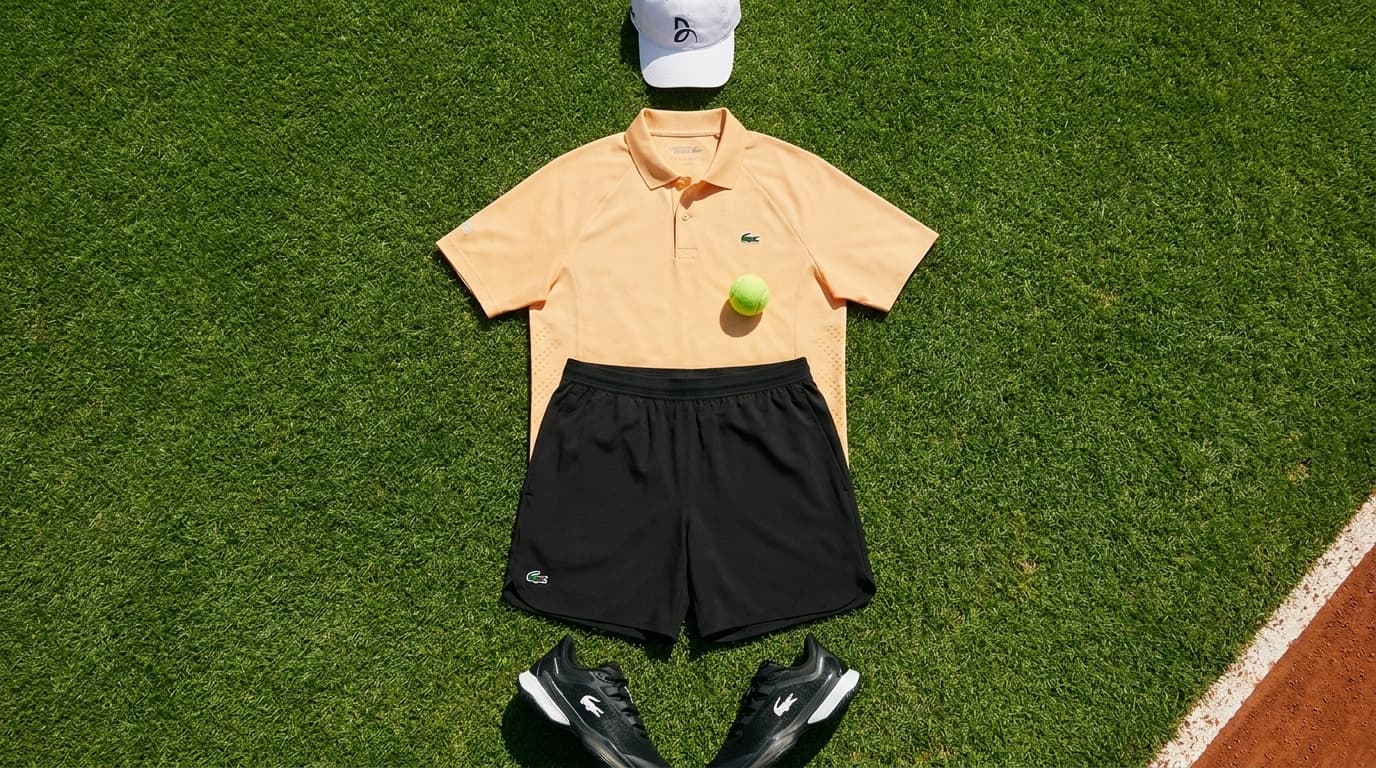
First I build the flat pieces the spot needs. The outfit and the props, laid out clean like a product shot. I make these as regular images before I touch video.
Exact prompt
CAMERA POSITION: directly overhead, looking straight down — a top-down fashion flat-lay shot. A single photograph taken on location outdoors — not a composite, not a studio. Lush, dense, freshly mown green grass fills the frame (the grassy area just beyond a red clay tennis court; a sliver of red clay and the edge of a white line at one corner of the frame). Laid out flat on the grass, neatly styled like a luxury menswear flat-lay, is a complete men's Lacoste tennis kit with no person in it: - the soft apricot-orange tennis polo (from reference 1) laid centre, sleeves spread, collar neat, the small green crocodile on the chest - the black court shorts (from reference 2) arranged just below the polo - the black-and-white AG-LT tennis shoes (from reference 3) placed as a pair at the bottom, toes pointing down - the white cap (from reference 4) placed at the top above the collar Copy each garment exactly from its reference — true colours under neutral daylight, real fabric texture, logos as on the real product. Do NOT copy the mannequin, hanger, studio background or the tee shirt from the references. Resting on the chest of the orange polo, at the centre of the frame, is a single bright yellow-green tennis ball, clean, sitting still. No dirt, no stains anywhere. Light: hard midday sun, crisp short shadows of the shoes, cap and ball on the fabric and grass. Hyperreal texture: pique knit of the polo, grass blades, ball fuzz. No people, no text overlays, no logos other than what is on the garments. Grade: faint hint of 1960s Kodachrome — slightly richer greens and golds, fine grain, modern, not vintage-filtered.
This one is the kit the guy wears and the stuff that shows up at the end. A clean still gives the model something exact to copy instead of guessing.
2. Give every reference one job
Now in the prompt I point at each photo and say what it's for. "This image is the kit he wears, match it." "This image is the court, take the ground and sky from it and nothing else." If I skip that part, it mixes the photos up.
3. Write the whole thing out as scenes, in order
Then I write the spot scene by scene, roughly one beat a second, in the order it happens. The animal walks on, then a close shot of the feet, then he gets down, then he serves, then the payoff. I keep the sentences plain and just say what's in the frame and what's moving.
4. Choose reference mode up front
Quick warning: feeding photos as references and pinning a fixed first frame are two different modes on most video models, and they don't mix. If you're going references, don't also pin a start frame. For a spot like this I go references so the look carries the whole way through.
5. Run it once
Then I run the whole thing as one render and see what comes back.
Exact prompt
Create a new video: a gentle, surreal, high-end tennis film in which a calm, friendly giant crocodile carries a man onto a red clay court, sets him down, and helps him as a caddie before he serves — ending on his Lacoste kit laid out on the grass. Bright hard midday sun, red clay, a dark green privacy fence and clear blue sky, a faint warm vintage Kodachrome grade. Composed, warm, deadpan — the tame giant crocodile treated as a friendly, completely ordinary companion. Fast, rhythmic cuts, roughly one beat per second, with a held final shot. <IMAGE_REF_0> is the giant crocodile — match its size, form and wet olive scaly skin exactly; take ONLY the crocodile from it, ignore the white background and do NOT include any car. <IMAGE_REF_1> is the court — take the red clay, white lines, dark green chain-link fence, palms and blue sky from it, and set every scene there. <IMAGE_REF_2> is the Lacoste kit the man wears — a bold orange polo with a small green crocodile emblem, black court shorts, white socks, black-and-white tennis shoes and a white cap — and it is also the exact flat-lay layout for the final shot. <IMAGE_REF_3> is the green Lacoste racket — match it exactly. The man appears in no reference, so build him fully and keep him identical in every scene — his face is clearly visible, NOT hidden or shadowed: a lean, athletic man in his late twenties, around 6'1", warm light-tan skin, short dark-brown hair under the white cap, dark-brown eyes, a strong clean jaw with light stubble, a straight nose, defined forearms. He wears the Lacoste kit from <IMAGE_REF_2> and carries the racket from <IMAGE_REF_3>. He is relaxed and comfortable with the friendly animal throughout. The crocodile always moves with a low, heavy, sprawling crocodilian walk — belly close to the ground, legs bent out to the sides, long tail swinging side to side — NEVER an upright, two-legged dinosaur stride. [SCENE 1] 0-1s: Wide, low angle — the colossal crocodile walks calmly across the red clay toward the right in its low sprawling gait, the man sitting comfortably astride its back, dust lifting off the clay, the green fence and blue sky behind. The camera tracks alongside at ground level, emphasising the sheer scale. [SCENE 2] 1-2s: Extreme macro — one clawed crocodile foot presses down into the red clay, individual scales and claws sharp, a soft puff of clay dust rising. [SCENE 3] 2-3s: Close-up profile — the crocodile's calm armored head and gentle ancient eye in profile facing right, the man sitting calmly astride behind, his face clearly visible; prehistoric, still, serene. [SCENE 4] 3-4s: Medium — the man steps down off the crocodile's flank and lands on his feet on the clay at the baseline, racket in hand, face to camera, the friendly giant animal resting beside him. [SCENE 5] 4-5s: Medium — the man stands at the baseline facing right down the court, the green racket in hand, the towering calm crocodile behind his shoulder; he settles his weight, composed, face clearly lit. [SCENE 6] 5-6s: The crocodile rests with a single yellow tennis ball balanced gently at the front of its closed mouth — the ball is simply there from the start of the shot, resting lightly against its snout; it does NOT pick anything up and nothing moves into its mouth. [SCENE 7] 6-7s: The friendly crocodile calmly lowers its head toward the man, who gently lifts the yellow ball away from the front of its snout and holds it up — a warm, easy exchange. [SCENE 8] 7-8s: The man tosses the ball up and serves, his body uncoiling, driving the ball forward and low across the court; the camera tracks the ball off the strings in a fast, clean move, staying with it. [SCENE 9] 8-10s: Held locked frame — the yellow tennis ball rolls across bright green grass and settles in the exact centre of the Lacoste kit from <IMAGE_REF_2>, laid out flat and arranged neatly (orange polo, black shorts, white cap, black-and-white shoes), beside a red clay court line. The kit fills the frame, large and centred; a slow, almost imperceptible push-in. Keep screen direction consistent — the crocodile and man face and move right through the opening. The crocodile is a real, calm, living animal at all times, never a flat green logo, cartoon or statue. No brand text or lettering anywhere except the small green crocodile emblem on the garments. No car anywhere. No melting detail, no extra fingers, no warped limbs, no person in the final flat-lay (clothing only, arranged on the grass).
Why it works
The old way was a clip per shot and a lot of stitching. Feeding the look as references and writing the scenes in order lets the model hold the same world start to finish in one pass. And listen, it's not perfect, the beat timing drifts a little and a detail or two wobbles. But for one render off a few photos, it's honestly nuts how close it gets.
Your turn: make one clean reference photo of something you want to film, then write your spot out scene by scene before you render anything.
And if you'd rather not babysit all this, Emero writes the prompts for you and remembers your look so you're not re-explaining it every chat. Everything's at cost.

Get one of these every day
I test new workflows daily and send them with the exact prompts, the models and the costs
5,979 generations tested so far
More workflows
See all
GPT Image 2.5 Flare - fix one thing in an image without losing the rest
Change one detail in an AI image, like size, mood or pose, while the rest of the picture stays put
GPT Image 2.5 Flare · 2 min render
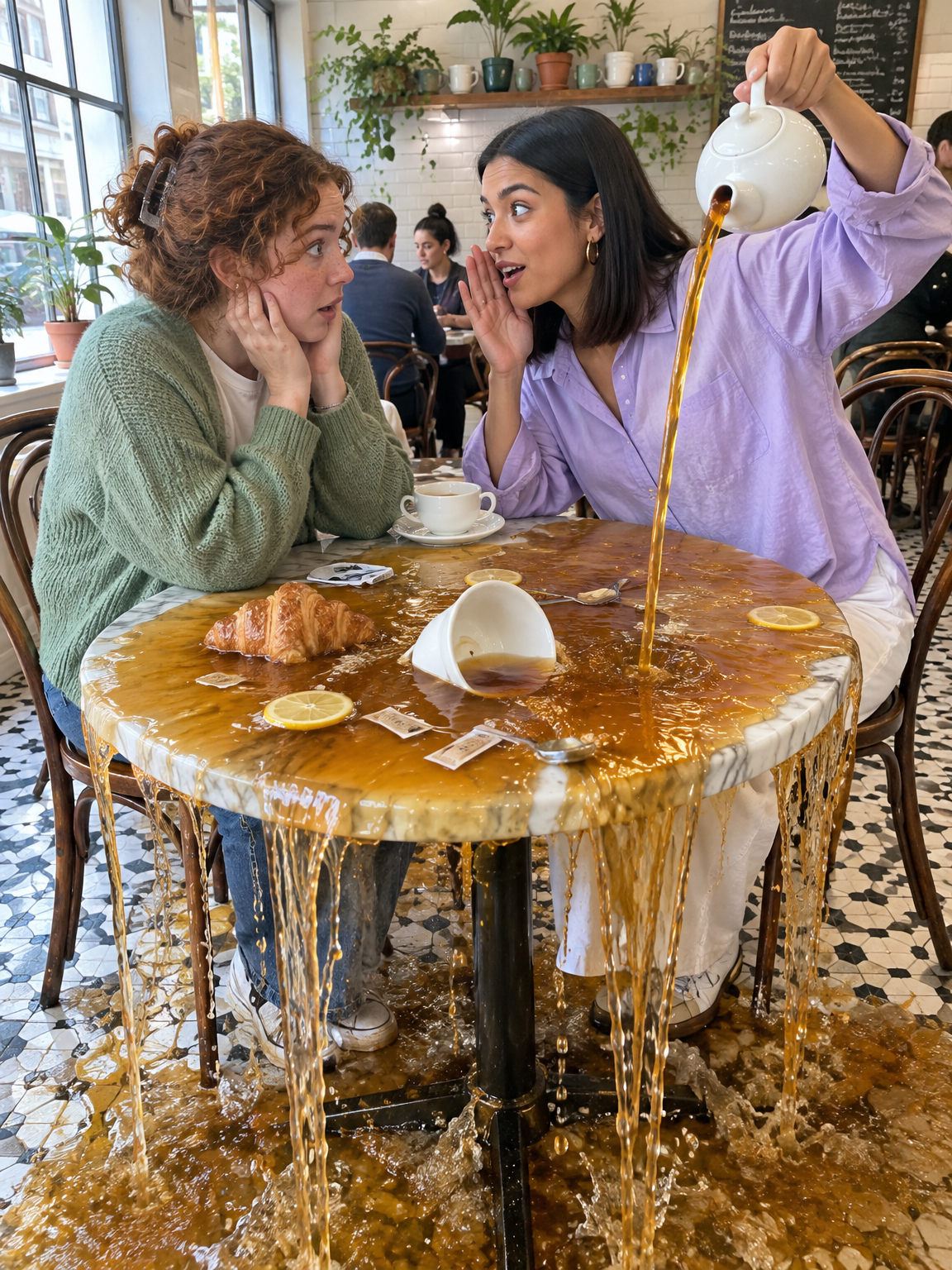
GPT Image 2.5 Flare - Gen Z slang taken literally
Turn slang like spill the tea, glazing and catfished into photos that show the words literally
GPT Image 2.5 Flare · 2 min render
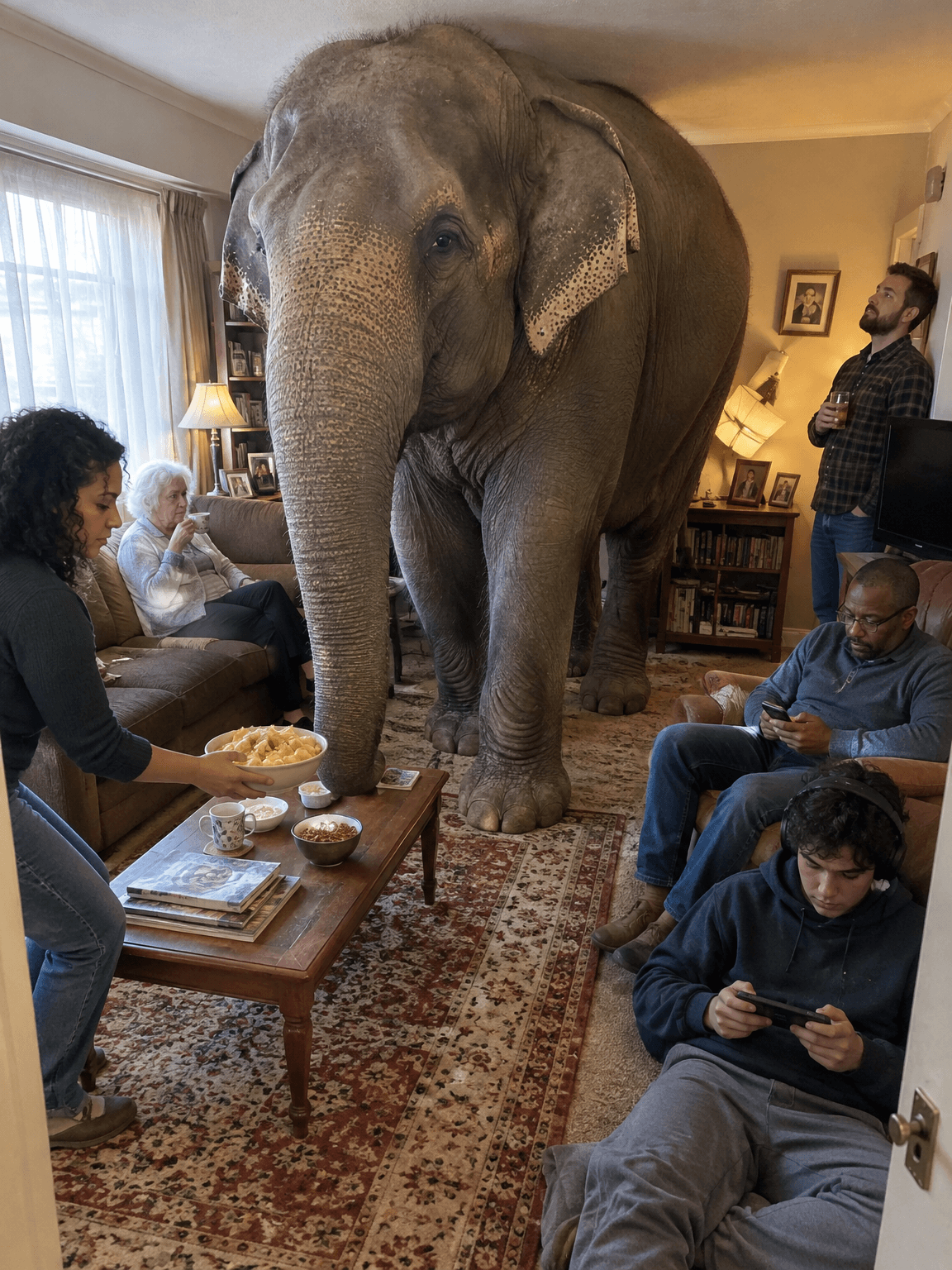
GPT Image 2.5 Flare - old sayings turned into deadpan photos
Turn everyday sayings into realistic photos where one impossible thing happens and nobody reacts
GPT Image 2.5 Flare · 1 min render