Disclaimer: This is an independent creative test made with AI, for demonstration only. It isn't an ad for any brand shown or named, and isn't affiliated with, sponsored or endorsed by them. All trademarks belong to their owners
Seedance 2.5 - when a stricter content filter blocks your spot
Reword a blocked video prompt so a stricter model filter lets it through without losing the shot
 Tested by Nouamane Benbrahim
Ever had the exact same prompt sail through on one model and get blocked on another?
That happened to me building this spot. I had it working on one model, then tried the same prompt on a second one to compare the look, and the second one refused it for prohibited content. Nothing in it was actually violent. Here's how I got it through.
Here's my exact process.
1. The spot that ran fine
This is the version that rendered with no trouble on the first model.
Exact prompt
Create a new video: a surreal, high-end tennis film in which a colossal living crocodile carries a man onto a red clay court, sets him down, and caddies for him as he serves — ending on his Lacoste kit laid out on the grass. Bright hard midday sun, red clay, a dark green privacy fence and clear blue sky, a faint warm vintage Kodachrome grade sitting lightly underneath. Composed, powerful, deadpan — the giant crocodile treated as completely ordinary. Fast, rhythmic cuts, roughly one beat per second, with a held final shot. [Image1] is the giant crocodile — a real, living, massive crocodile with wet olive armored hide and heavy keeled scales. Match its size, form and texture exactly, but take ONLY the crocodile from [Image1]: ignore the white background and do NOT include any car. [Image2] is the court environment: take the red clay court, white lines, dark green chain-link fence, palms and blue sky from it, and place every scene here. [Image3] is the Lacoste kit — a bold orange polo with a small green crocodile emblem, black court shorts, white socks, black-and-white tennis shoes and a white cap: match the garments the man wears, and it is also the exact flat-lay layout for the final shot. [Image4] is the green Lacoste racket: match it exactly. The man appears in no reference, so build him from this and keep him identical in every scene: a lean, athletic man in his late twenties, around 6'1", warm light-tan skin, short dark-brown hair under the white cap, a strong clean jaw with light stubble, defined forearms; his face stays shadowed under the cap brim throughout. He wears the full Lacoste kit from [Image3] and carries the racket from [Image4]. The crocodile always moves with a low, heavy, sprawling crocodilian walk — belly close to the ground, legs bent out to the sides, long tail swinging side to side — NEVER an upright, two-legged dinosaur stride. [SCENE 1] 0-1s: Wide, low angle — the colossal crocodile walks across the red clay toward the right in its low sprawling gait, the man riding astride its back, dust lifting off the clay, the green fence and blue sky behind. The camera tracks alongside at ground level, emphasising the sheer scale. [SCENE 2] 1-2s: Extreme macro — one clawed crocodile foot presses down into the red clay, individual scales and claws sharp, a soft puff of clay dust rising. [SCENE 3] 2-3s: Close-up profile — the crocodile's armored head and ancient eye in profile facing right, the man sitting calmly astride behind; prehistoric, still, powerful. [SCENE 4] 3-4s: Medium — the man swings down off the crocodile's flank and lands on his feet on the clay at the baseline, racket in hand, the giant animal looming beside him. [SCENE 5] 4-5s: Medium — the man stands at the baseline facing right down the court, the green racket in hand, the towering crocodile behind his shoulder; he settles his weight, composed and unsmiling. [SCENE 6] 5-6s: The crocodile already holds a single yellow tennis ball steady in the tip of its jaws — the ball is simply there from the start of the shot, held between its teeth as it lifts its head; it does NOT pick anything up and nothing drops into its mouth. [SCENE 7] 6-7s: The crocodile extends its head toward the man; he reaches up and takes the yellow ball from its jaws, his fingers to the ball. [SCENE 8] 7-8s: The man tosses the ball up and serves, his body uncoiling, driving the ball forward and low across the court; the camera tracks the ball off the strings in a fast, clean move, staying with it. [SCENE 9] 8-10s: Held locked frame — the yellow tennis ball rolls across bright green grass and settles in the exact centre of the Lacoste kit from [Image3], laid out flat and arranged like a person (orange polo, black shorts, white cap, black-and-white shoes), beside a red clay court line. The kit fills the frame, large and centred; a slow, almost imperceptible push-in. Keep screen direction consistent — the crocodile and man face and move right through the opening. The crocodile is a real living animal at all times, never a flat green logo, cartoon or statue. No brand text or lettering anywhere except the small green crocodile emblem on the garments. No car anywhere. No melting detail, no extra fingers, no warped limbs, no human body in the final flat-lay (clothing only, arranged on the grass).
Same idea the whole way, a giant animal helps a guy onto a court and he plays.
2. Figure out what tripped the filter
The second model blocked it. When that happens, read your prompt like a nervous robot would. Mine had a guy's hands up near a big animal's mouth, with words like jaws and teeth. A filter sees that and thinks someone's about to get hurt, even though the scene is totally friendly.
3. Reword the tense bits
So I softened the exact words that looked risky. I made the animal calm and friendly, swapped jaws and teeth for mouth, and turned the handoff into a gentle exchange. The shot and the story stayed the same, I only changed the words that looked scary. It went through on the next try.
4. If a model keeps fighting you, switch before you rewrite everything
One thing I've learned: filters are different on every model. If one keeps blocking a shot you know is fine, soften the few words that look risky, and if it still won't budge, try another model before you tear the whole prompt apart.
Why it works
The filter only has your words to go on. It never sees the actual footage, so a friendly scene can still get blocked if the words sound violent. When I swapped the few words that read as harm, the shot came right through.
Your turn: if a prompt gets blocked, reread it for any word that could read as danger and swap just those.
And if you'd rather not fight filters at all, Emero writes the prompts for you and knows which wording each model accepts, at cost.

Get one of these every day
I test new workflows daily and send them with the exact prompts, the models and the costs
5,979 generations tested so far
More workflows
See all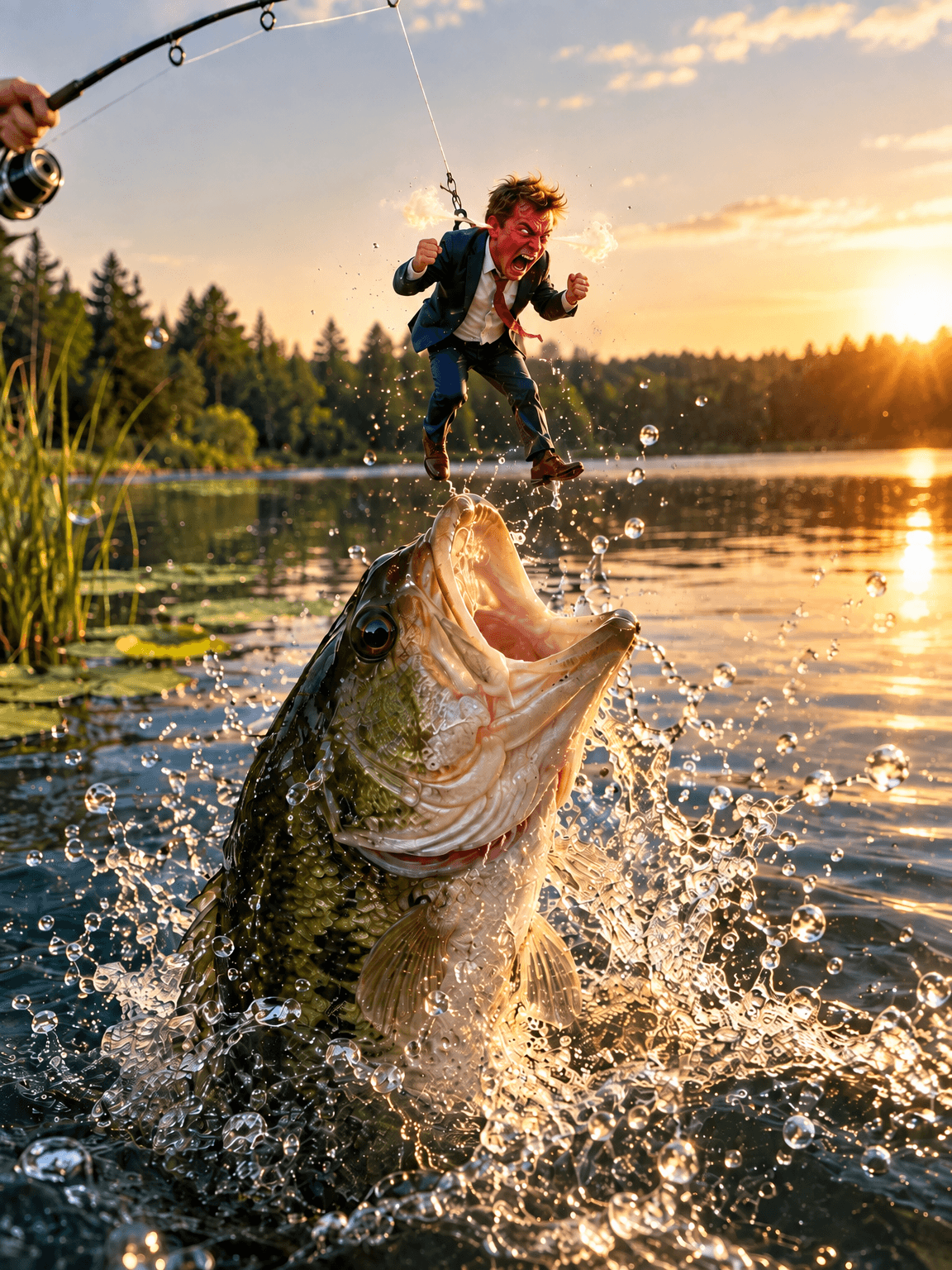
GPT Image 2.5 Flare - fix one thing in an image without losing the rest
Change one detail in an AI image, like size, mood or pose, while the rest of the picture stays put
GPT Image 2.5 Flare · 2 min render
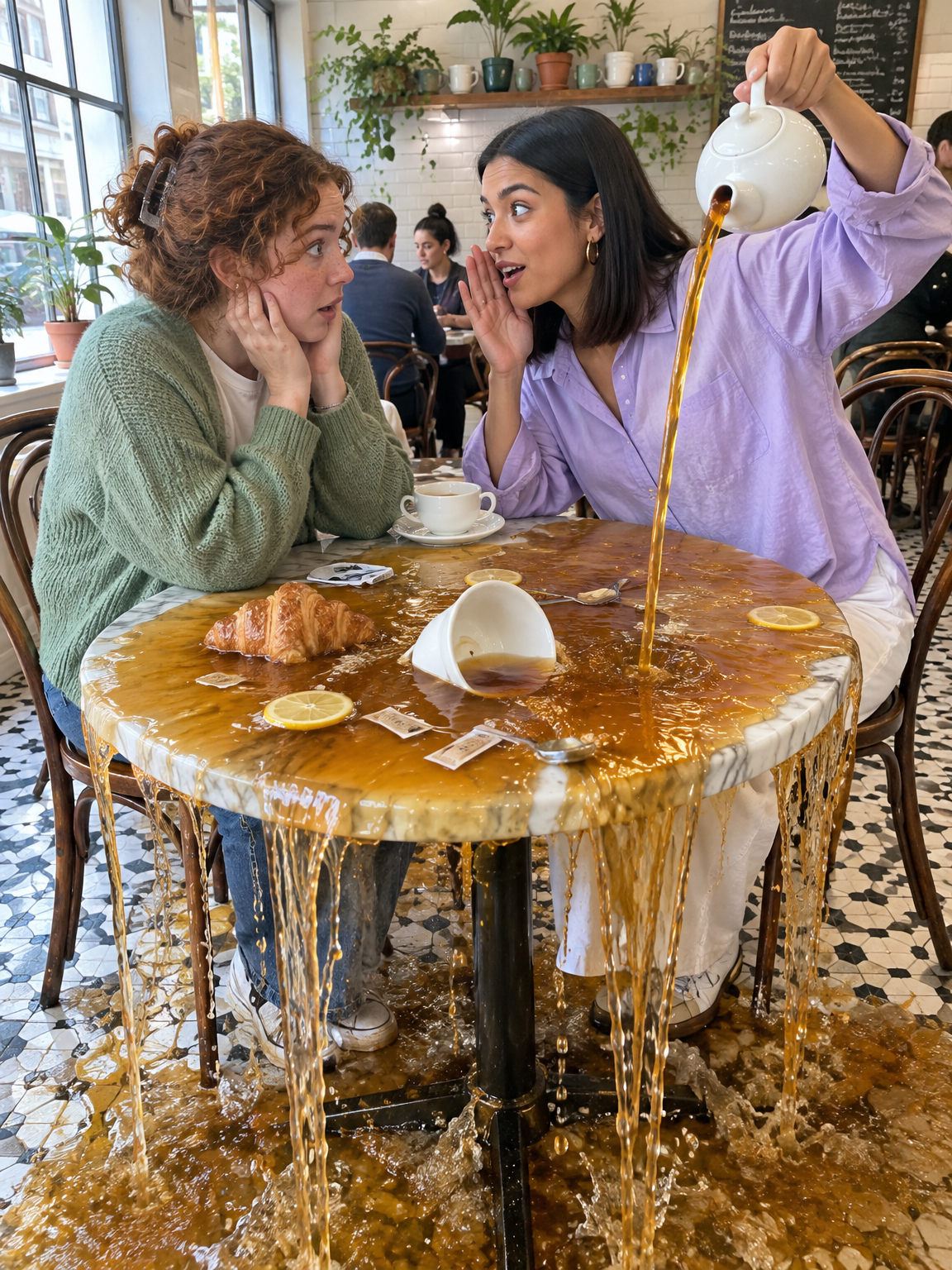
GPT Image 2.5 Flare - Gen Z slang taken literally
Turn slang like spill the tea, glazing and catfished into photos that show the words literally
GPT Image 2.5 Flare · 2 min render
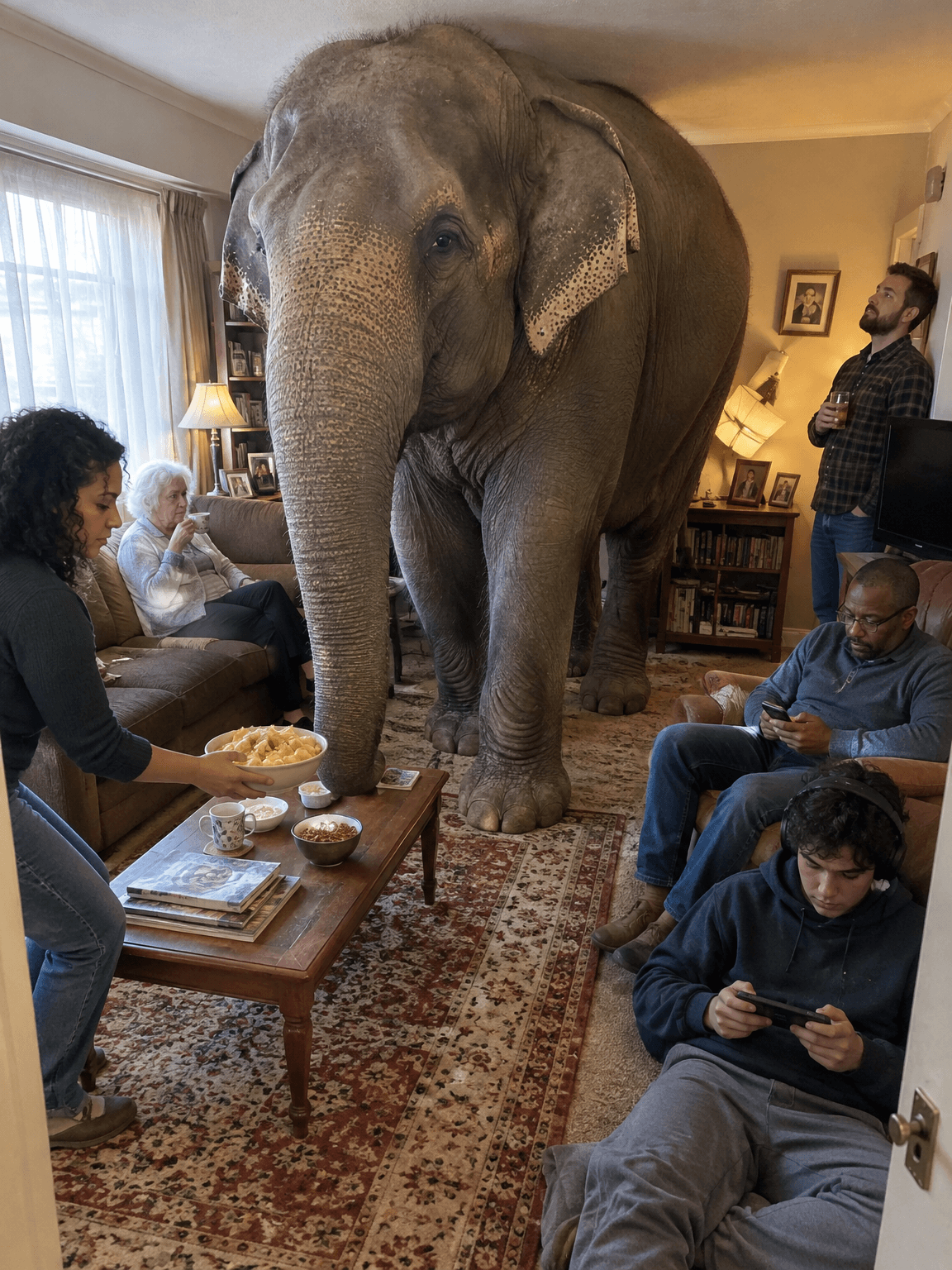
GPT Image 2.5 Flare - old sayings turned into deadpan photos
Turn everyday sayings into realistic photos where one impossible thing happens and nobody reacts
GPT Image 2.5 Flare · 1 min render