Disclaimer: This is an independent creative test made with AI, for demonstration only. It isn't an ad for any brand shown or named, and isn't affiliated with, sponsored or endorsed by them. All trademarks belong to their owners
Nano Banana Pro - where the light comes from is the whole shot
Naming the light direction and what to backlight turns a flat product shot into a real one
 Tested by Nouamane Benbrahim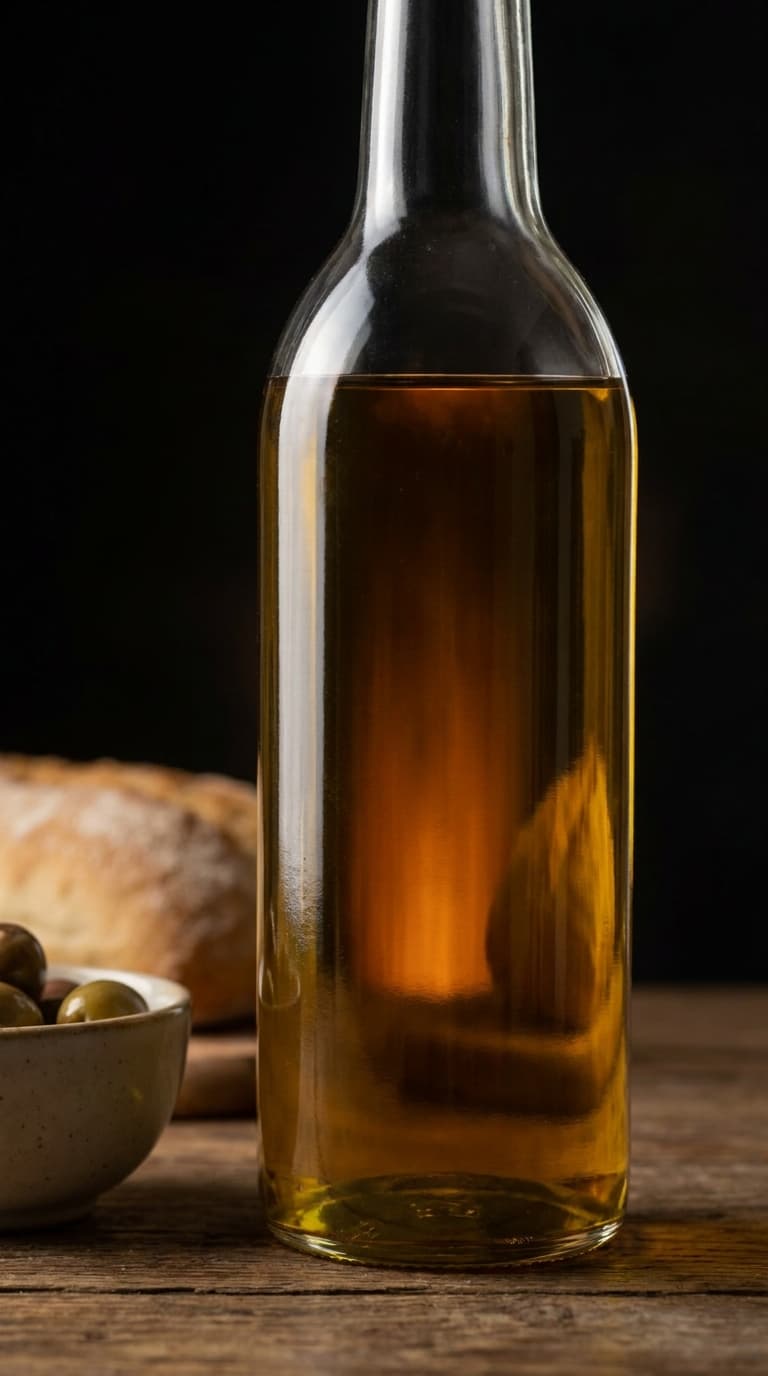
Ever look at an AI product shot and it just feels flat, even when everything's sharp?
Usually it's the light. Most prompts say "studio lighting" and stop, so the model lights the whole thing evenly and the product ends up with no shape. I ran five products twice to test it, and the biggest jumps came from describing where the light was. Not clients, just a test.
Here's my exact process.
1. Say where the light comes from, not just "studio"
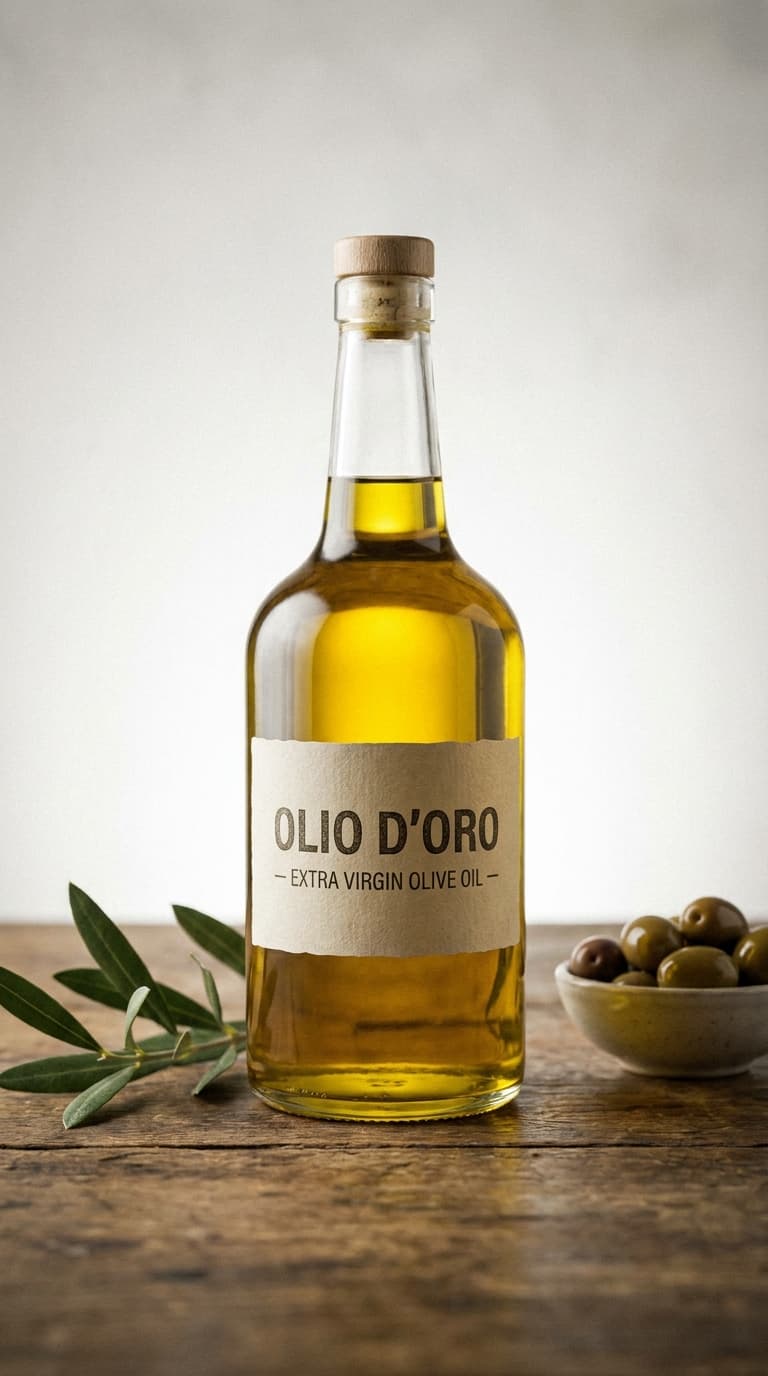
"studio lighting" tells the model nothing about direction, so it hedges and lights everything flat. On the olive oil I asked for a soft key from the front-left and a faint rim light behind it to lift the bottle off the dark background. That alone gave it shape.
Exact prompt
a bottle of golden olive oil on a counter, studio lighting, product photo
Exact prompt
a bottle of golden olive oil, a soft moody backlight glowing through the oil into a warm internal luminosity without blowing out the highlights, specular highlights streaking down the glass edge, a faint rim light separating the bottle from the deep near-black background, a soft key from front-left
2. Backlight anything you can see through
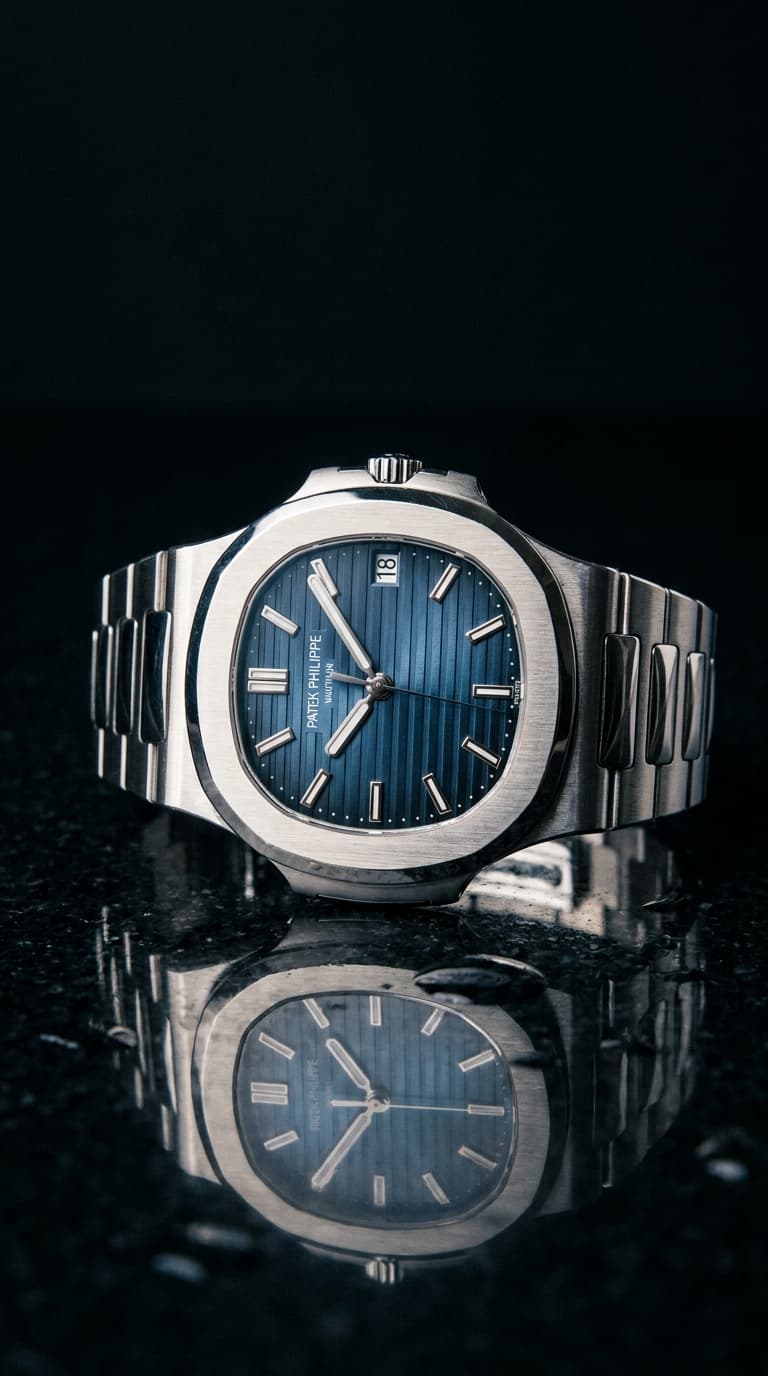
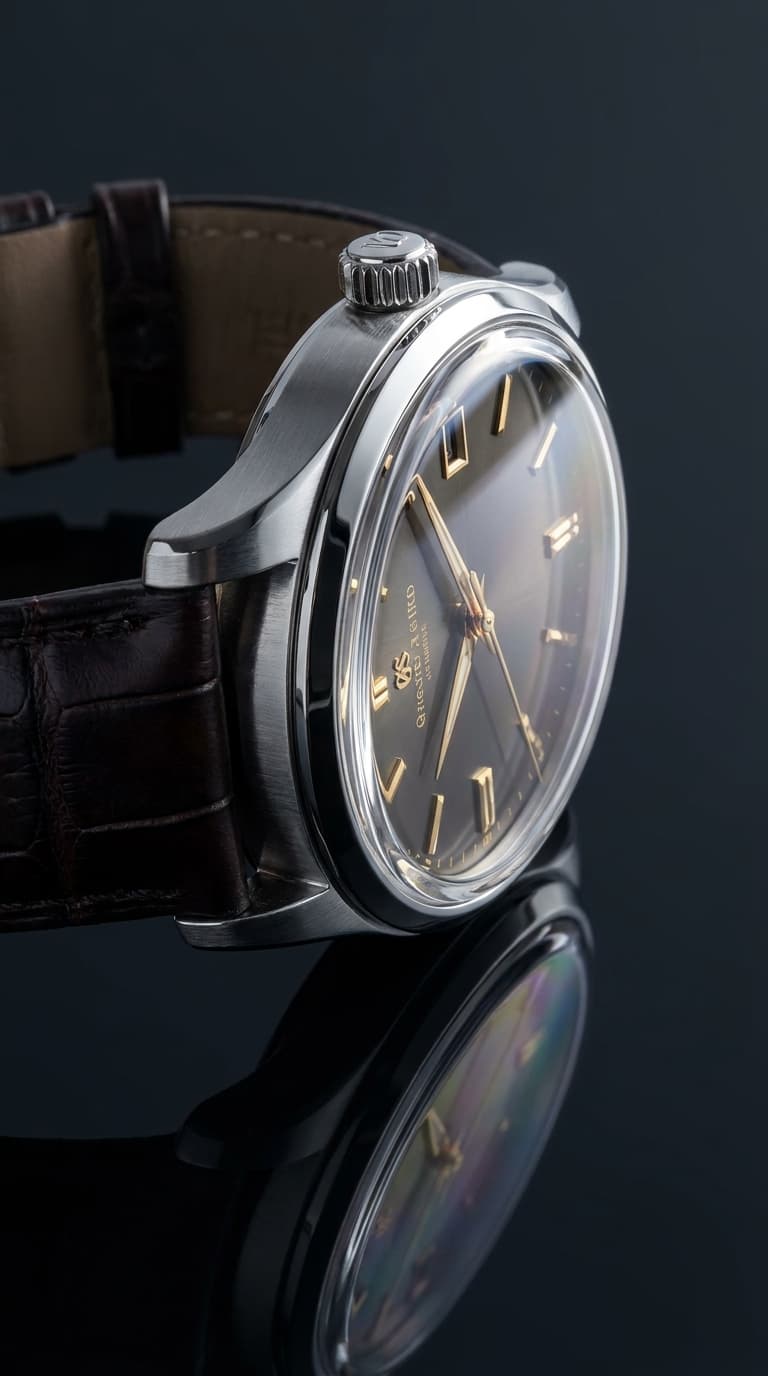
Glass, oil, liquid and gemstones only look rich when the light comes through them. On the oil I added a backlight glowing through it into a warm inner glow, without blowing out the highlights. On the watch, asking for a subtle refraction through the sapphire crystal did the same thing, it stopped reading like a flat disc and started looking like real glass.
Exact prompt
a luxury watch on a dark reflective surface, studio product shot, dramatic lighting
Exact prompt
a luxury watch on a dark reflective surface, studio product shot, dramatic lighting — every element feels tactile and present, hyperreal, highly detailed, the metal catching crisp specular highlights, the sapphire crystal with subtle refraction
3. Decide where the dark falls
Shape comes from shadow as much as light. I kept everything on a near-black background on purpose, so a thin rim light along the edge carried the silhouette and the metal caught crisp specular highlights instead of a dull sheen. Light the background too and all of that disappears.
Why it works
"Studio lighting" makes the model guess, and it always guesses the same safe, even light that makes everything look like a 3D icon. When I said where the key was, what to backlight and where to let the shadows sit, the model had an actual lighting setup to build instead of a default.
Your turn: take your next product prompt and add one line about where the light comes from and what it should catch. Start there.
And if you'd rather skip the prompting, Emero writes the prompts for you and remembers the look you like so you're not spelling out the lighting every time. Everything's at cost.

Get one of these every day
I test new workflows daily and send them with the exact prompts, the models and the costs
5,979 generations tested so far
More workflows
See all
GPT Image 2.5 Flare - fix one thing in an image without losing the rest
Change one detail in an AI image, like size, mood or pose, while the rest of the picture stays put
GPT Image 2.5 Flare · 2 min render

GPT Image 2.5 Flare - Gen Z slang taken literally
Turn slang like spill the tea, glazing and catfished into photos that show the words literally
GPT Image 2.5 Flare · 2 min render
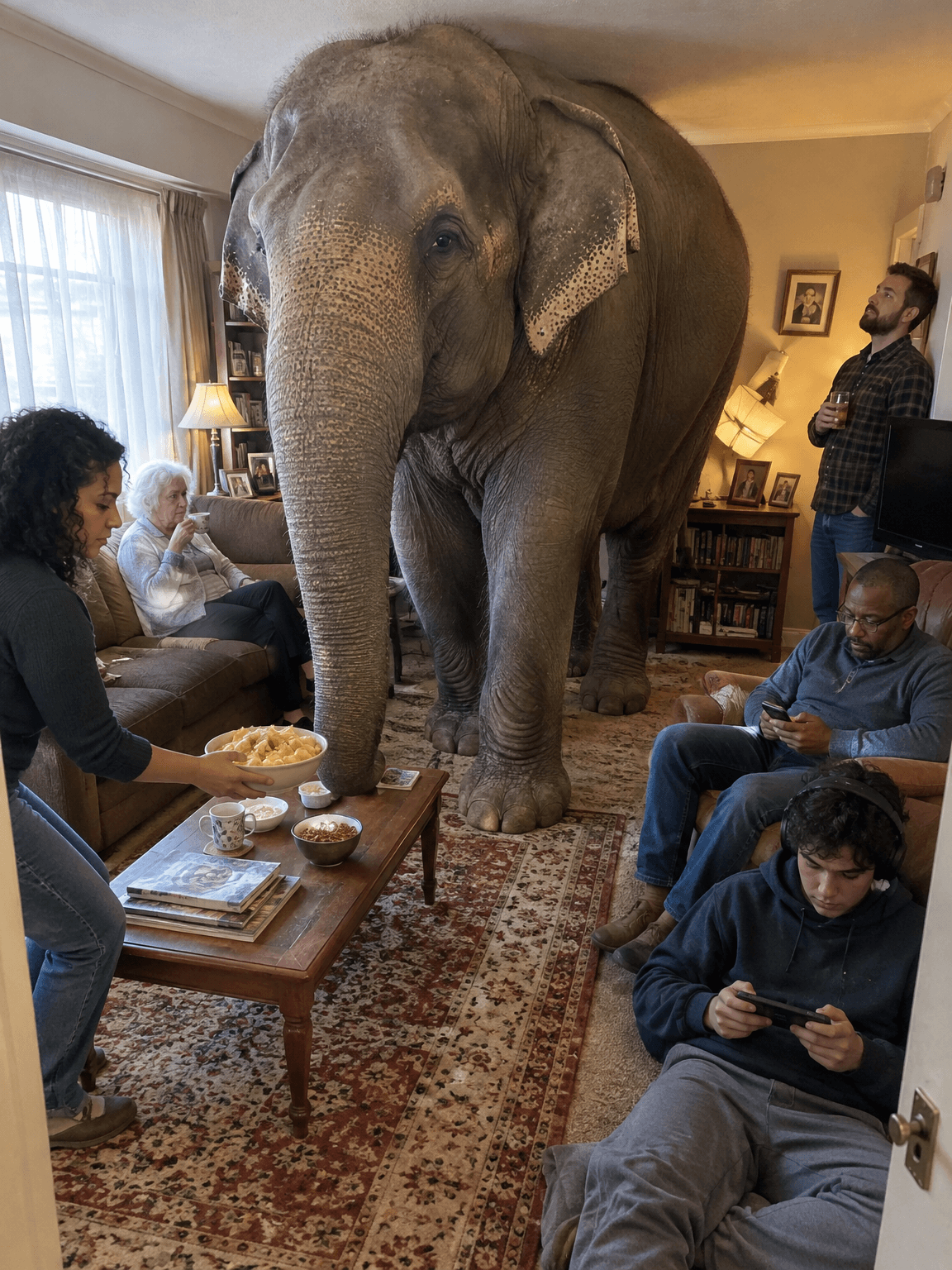
GPT Image 2.5 Flare - old sayings turned into deadpan photos
Turn everyday sayings into realistic photos where one impossible thing happens and nobody reacts
GPT Image 2.5 Flare · 1 min render