Disclaimer: This is an independent creative test made with AI, for demonstration only. It isn't an ad for any brand shown or named, and isn't affiliated with, sponsored or endorsed by them. All trademarks belong to their owners
GPT Image 2.5 Sunburst vs Nano Banana Pro - recreating a moody red room portrait
Rebuilding a shadowy music video portrait from text, one change at a time
 Tested by Nouamane Benbrahim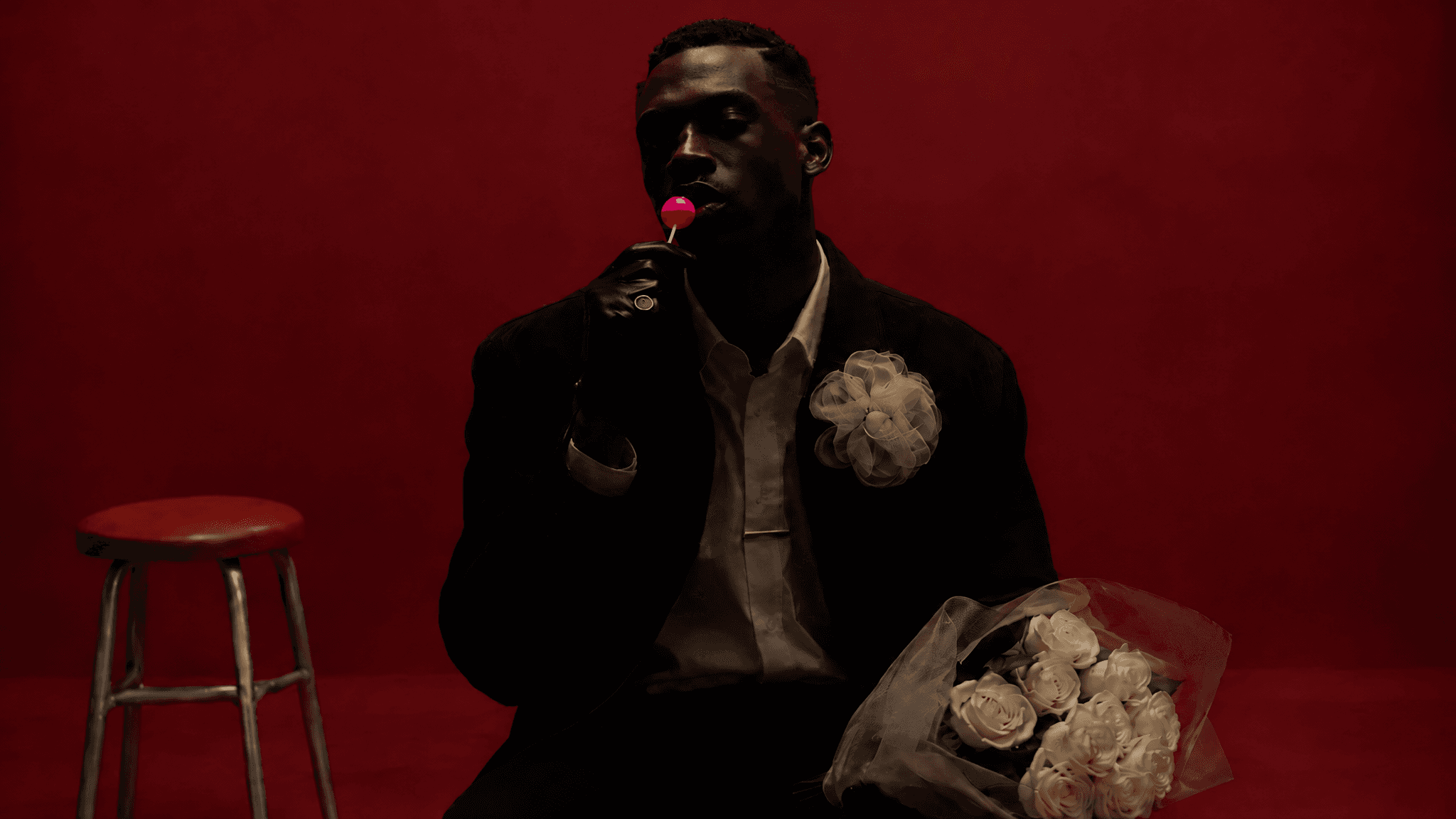
Ever tried to get AI to make a dark, moody portrait? Mine kept lighting everything.
I found a music video still I loved: a man in a suit against a red wall, his face half lost in shadow, white roses and a lollipop. Let's not pretend I made it, I just wanted to see if I could rebuild that look from a text prompt alone, without attaching the photo. It took a bunch of tries and most of what I learned came from what broke.
Here's my exact process.
1. Start lazy to see what the AI defaults to
First, I wrote the kind of prompt most people would write. A stylish man in a suit, a red room, white roses, a lollipop. That's it.
The AI filled every empty spot with stuff. A velvet armchair, a gold lamp, a decanter, a bust on a pedestal. It looks like a hotel bar. The original was basically an empty red room with a stool in it.
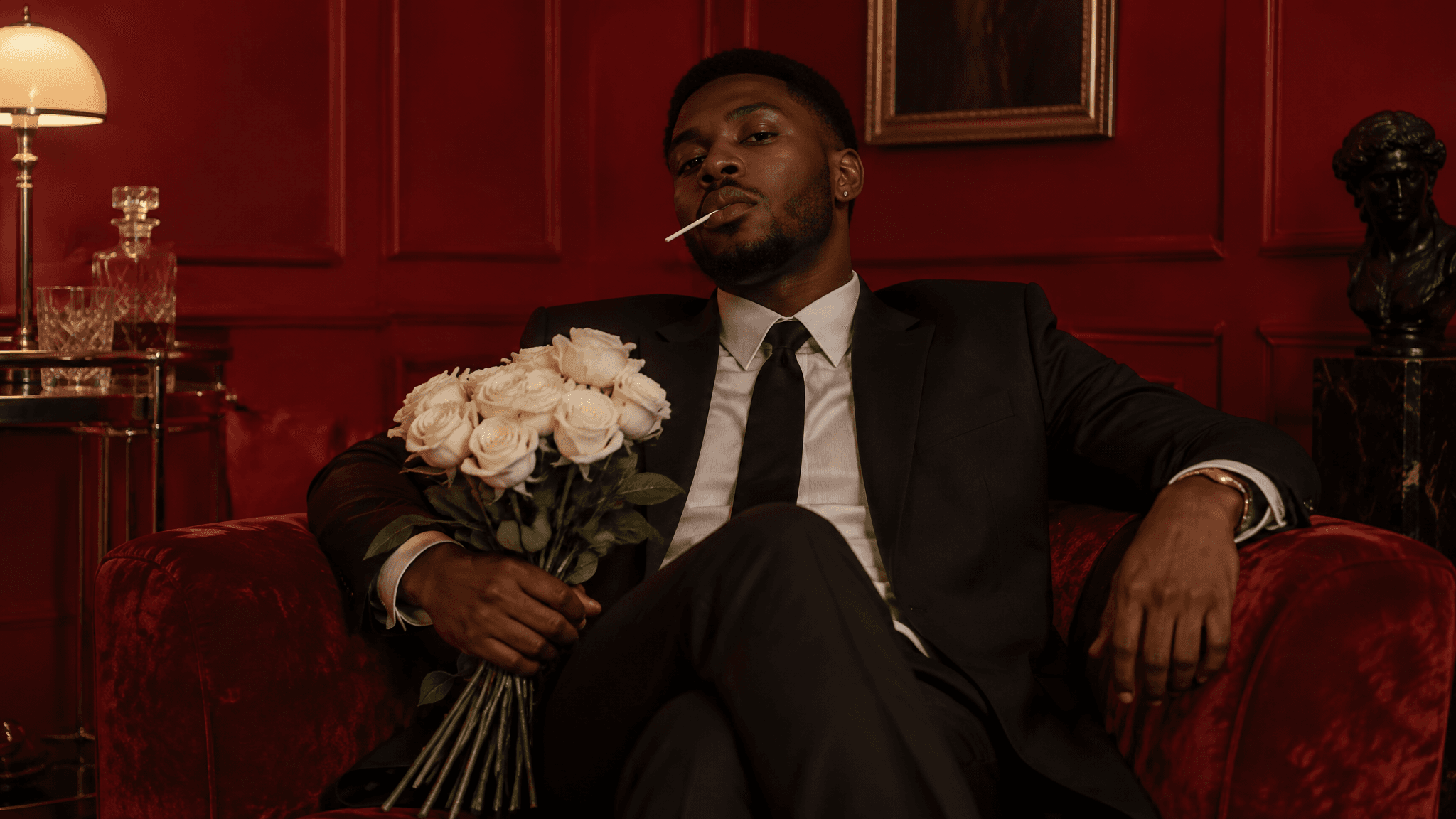
Exact prompt
a stylish black man in a suit sitting in a red room holding white roses with a lollipop in his mouth
2. Describe the set, then check the face
Then I described what was actually in the shot: a bare red wall, a red stool off to the side, a white flower on his jacket, a ring, a bouquet of cream roses.
The set came out right. But his face was still lit like a normal portrait, and the whole mood of the original comes from his face sitting in shadow.
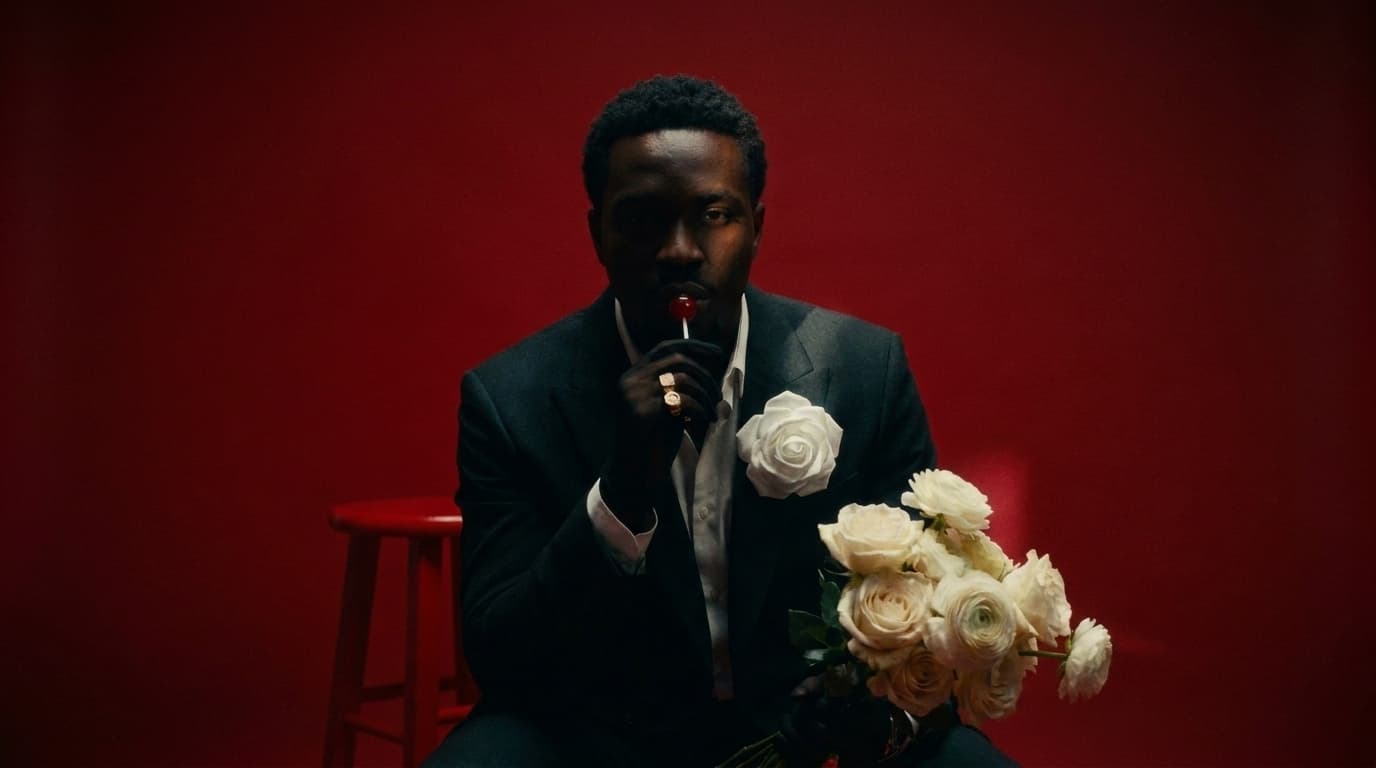
Exact prompt
Keep the same man, wardrobe, pose, red backdrop, bouquet, lollipop and stool exactly as in the reference. Only change the lighting on his face: pull the key light down so most of his face falls into deep shadow. Remove the bright band of light sweeping across his cheeks and eyes — instead let only a thin rim of soft light catch one edge of his face (cheekbone and jaw), with the rest of the face in rich, moody darkness. Lower the overall exposure a stop, crushed shadows, more mystery, high-contrast chiaroscuro. Cinematic, fine film grain. No text, no logos.
3. Don't just say "darker"
So I said "now i want it to be darker like in the reference" and the AI darkened everything: the wall, the floor, him. You can barely tell the background is red anymore.
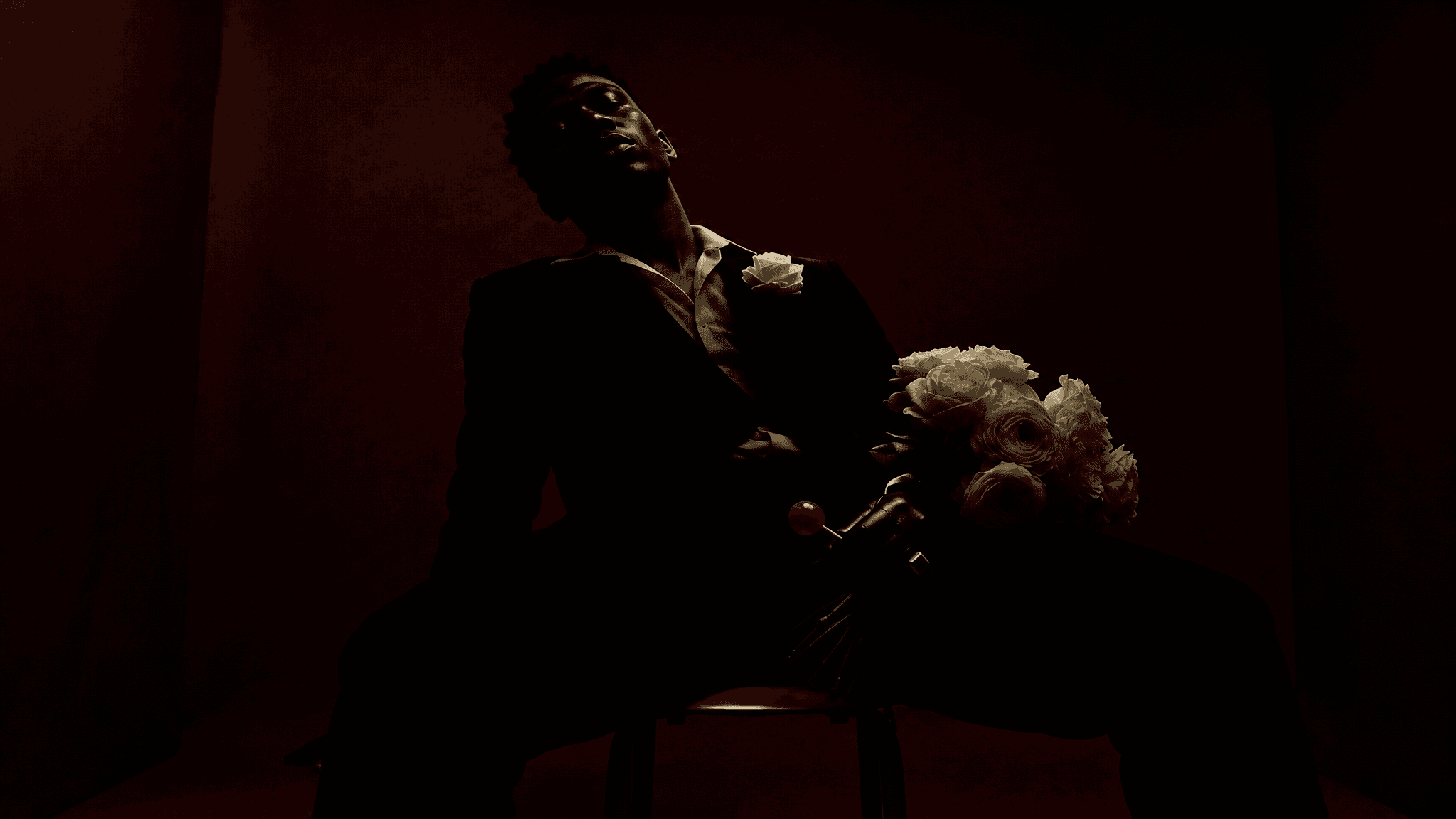
Exact prompt
Create a new photorealistic image, but much darker and more underexposed. Preserve the man, his face, skin, wardrobe, white rose boutonnière, gloved hand with gold ring, red lollipop, cream bouquet, the red room and red stool, the low camera angle and reclining lean-back pose exactly, from the reference. THE SETTING (LOCKED): the deep blood-red seamless studio backdrop, floor and small red stool, exactly as in the reference. Do NOT reimagine this environment. THE LIGHT: push the low-key far deeper — the man is now almost entirely swallowed by shadow. One hard key from high camera-left is the only light; expose for that edge and put him about four to five stops under. Only a thin sliver of light survives — catching a small rim on one side of his face (part of the cheekbone and jaw), a faint edge of the white shirt collar, the white rose and the top of the bouquet. Everything else — most of his face, his whole body, the suit — drops into near-total black. The red walls go deep oxblood, almost black at the edges, with only a faint dim warm glow near the key. Heavy crushed blacks, mysterious, barely-lit, high-contrast chiaroscuro. Bias very dark — keep it well underexposed, more shadow than light. Fine natural film grain across the whole frame including the skin. THE CAMERA (LOCKED): keep the low angle looking up, cinematic, slight shallow depth of field. 16:9. No text, no logos.
The fix is to light the background and the person separately. The wall stays bright and red. Only he goes into shadow.
4. Get specific, then change one thing at a time
I went back and really studied the original, then rebuilt it from a much more specific list. A sheer white organza flower instead of "a flower". A black leather glove, a gold tie bar, the bouquet in a sheer wrap, a grey-legged stool.
From there I fed my best image back in and changed one thing per round. First the color: "more of a burgundy red". The wall went deep burgundy and everything else stayed put.
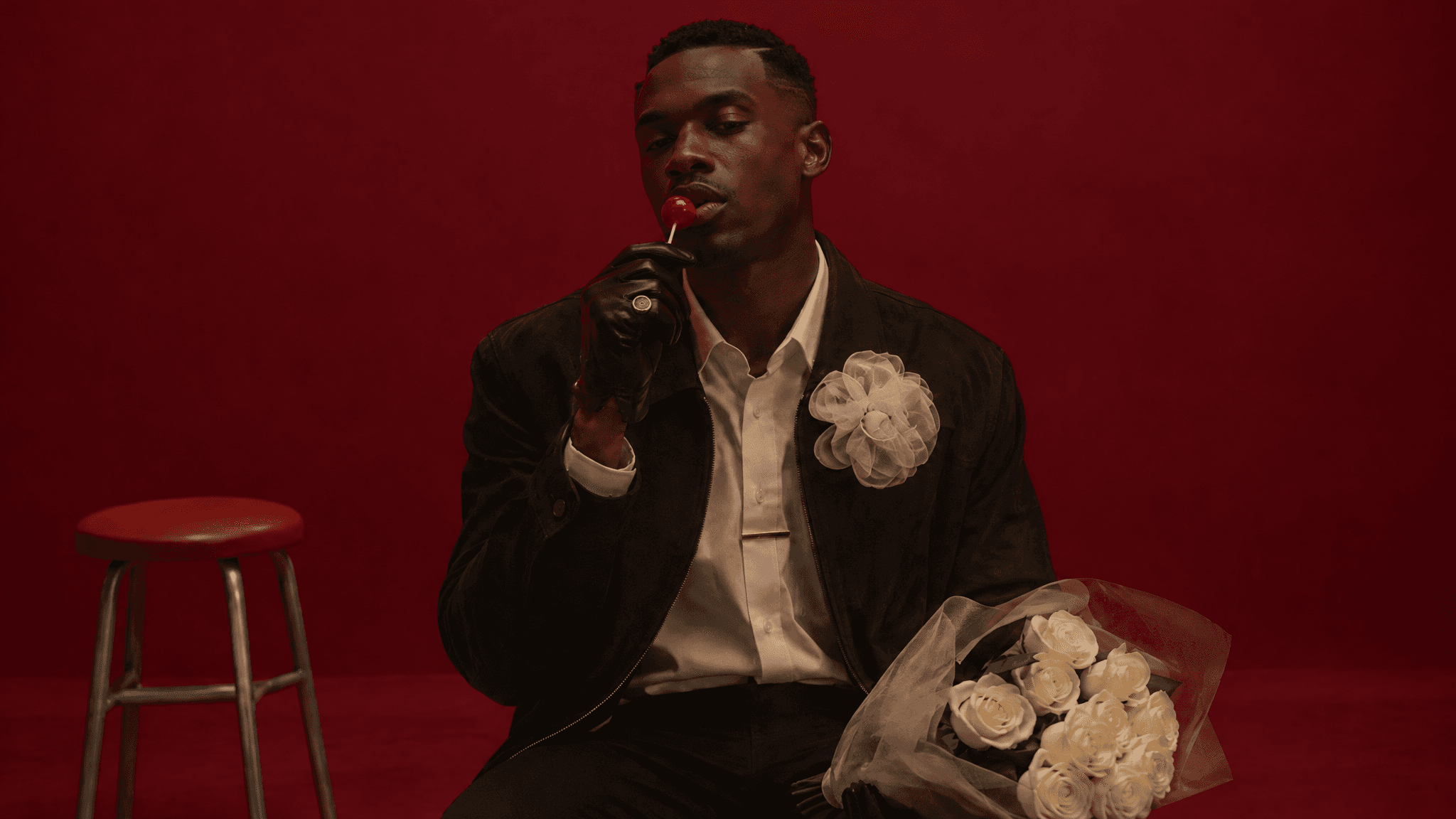
Exact prompt
Create a new photorealistic image, but with the background changed to a deeper burgundy red. Preserve the man, his face, skin, hair, wardrobe, the sheer white organza flower, gold tie-bar, gloved hand with gold ring, red lollipop, cream rose bouquet, the grey-legged stool, the eye-level framing, pose and lighting exactly, from the reference. THE SETTING (CHANGED): the seamless studio backdrop and floor are now a rich deep BURGUNDY — a darker wine/oxblood red rather than the bright pure red, still fully saturated and evenly lit, luminous but deeper and moodier. Keep it clean and seamless. THE LIGHT (LOCKED): keep the same soft top-front key pooling on the man, his face in gentle top-shadow, readable but moody; the burgundy background stays evenly lit and saturated on its own; only the man sits in shadow. Frame not underexposed overall; warm tone. Fine natural film grain across the whole frame including the skin. Everything else unchanged, 16:9. No text, no logos.
5. Ask for more shadow than you want
Then: "now darken the man not in skin tone but in shadow basically". I asked for him to sit three to four stops darker than the wall. It landed at about two. The AI always meets you halfway on exposure, so ask for more than you want.
Last round, one tiny detail: "make the lollipop bright pink". That pink is the only bright color on him, so your eye goes straight to it.
Exact prompt
Create a new photorealistic image, but with the lollipop now bright pink instead of red. Preserve the man, his face, skin tone, hair, wardrobe, the sheer white organza flower, gold tie-bar, gloved hand with gold ring, cream rose bouquet, the grey-legged stool, the burgundy background, the eye-level framing, pose and the deep shadow lighting on the man exactly, from the reference. THE KEY DETAIL (CHANGED): the small round lollipop held to his lips is now a vivid, saturated BRIGHT PINK (hot/candy pink), glossy, catching a small highlight — a subtle pop of pink against the dark figure and burgundy room. Everything else about it (size, the gloved hand, gold ring, position at his lips) stays the same. Everything else unchanged — same deep low-key shadow on the man, bright burgundy background, 16:9, fine film grain. No text, no logos.
Why it works
Image models lean toward bright, evenly lit photos. Say "dark" or "moody" and they either ignore you or turn the whole image to mud. What worked for me was splitting the person from the background, saying how much darker the person should be, and changing one thing per round.
Your turn: take a photo you love and write down how bright the person is compared to the background. That's step one.
And if you'd rather skip the prompting, Emero writes the prompts for you and remembers your preferences so you're not repeating yourself every chat. Everything's at cost.

Get one of these every day
I test new workflows daily and send them with the exact prompts, the models and the costs
5,979 generations tested so far
More workflows
See all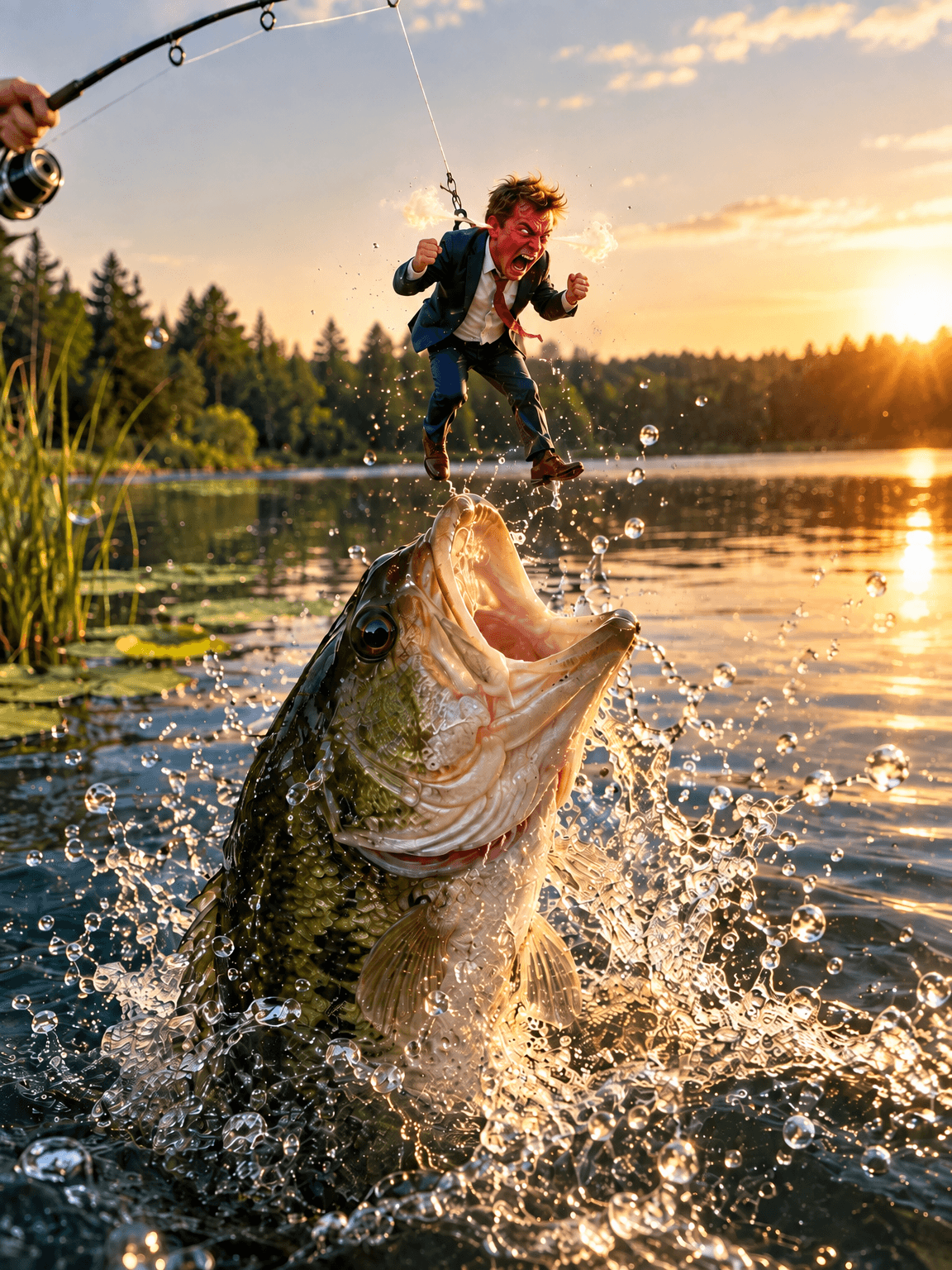
GPT Image 2.5 Flare - fix one thing in an image without losing the rest
Change one detail in an AI image, like size, mood or pose, while the rest of the picture stays put
GPT Image 2.5 Flare · 2 min render
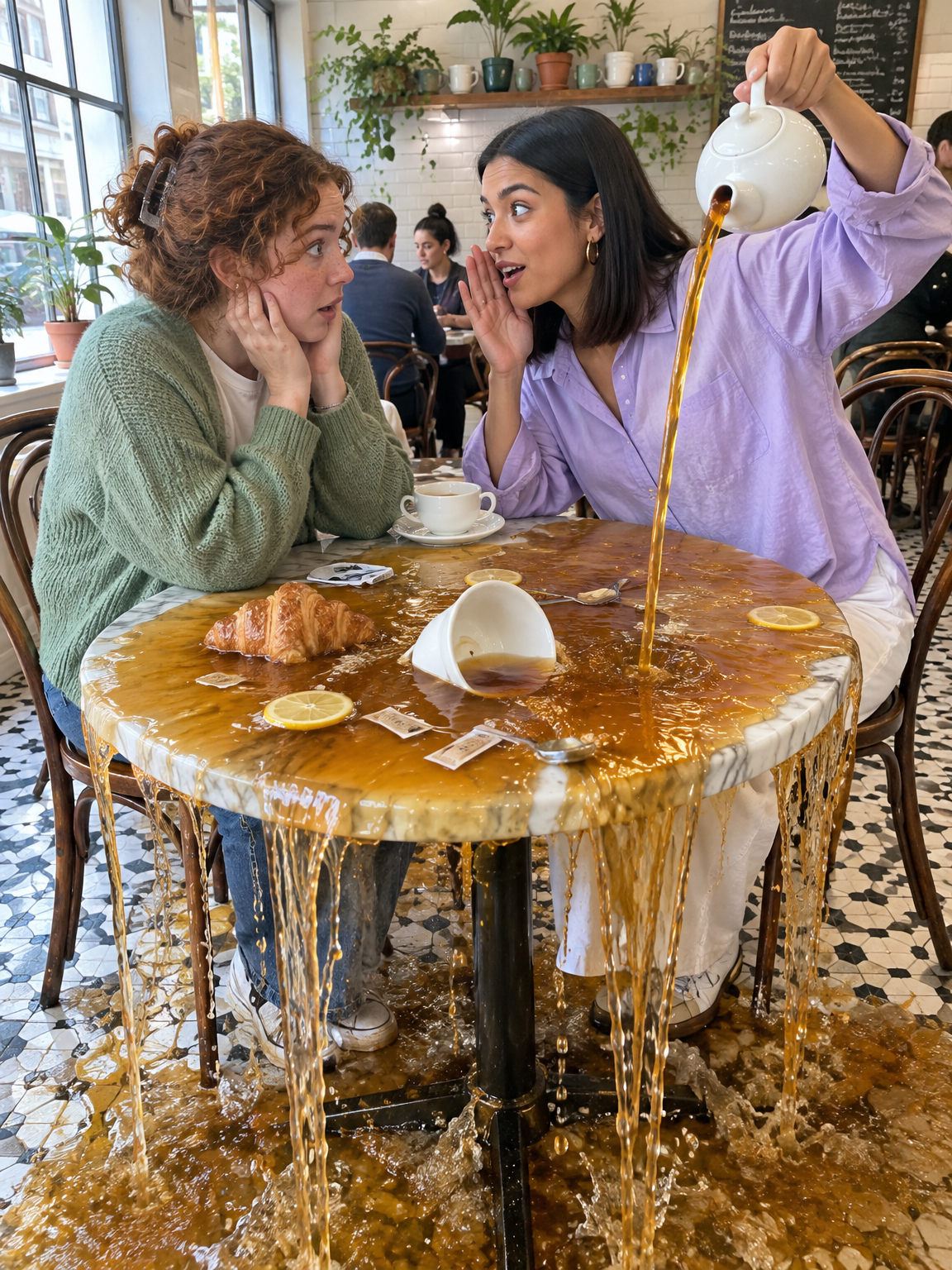
GPT Image 2.5 Flare - Gen Z slang taken literally
Turn slang like spill the tea, glazing and catfished into photos that show the words literally
GPT Image 2.5 Flare · 2 min render
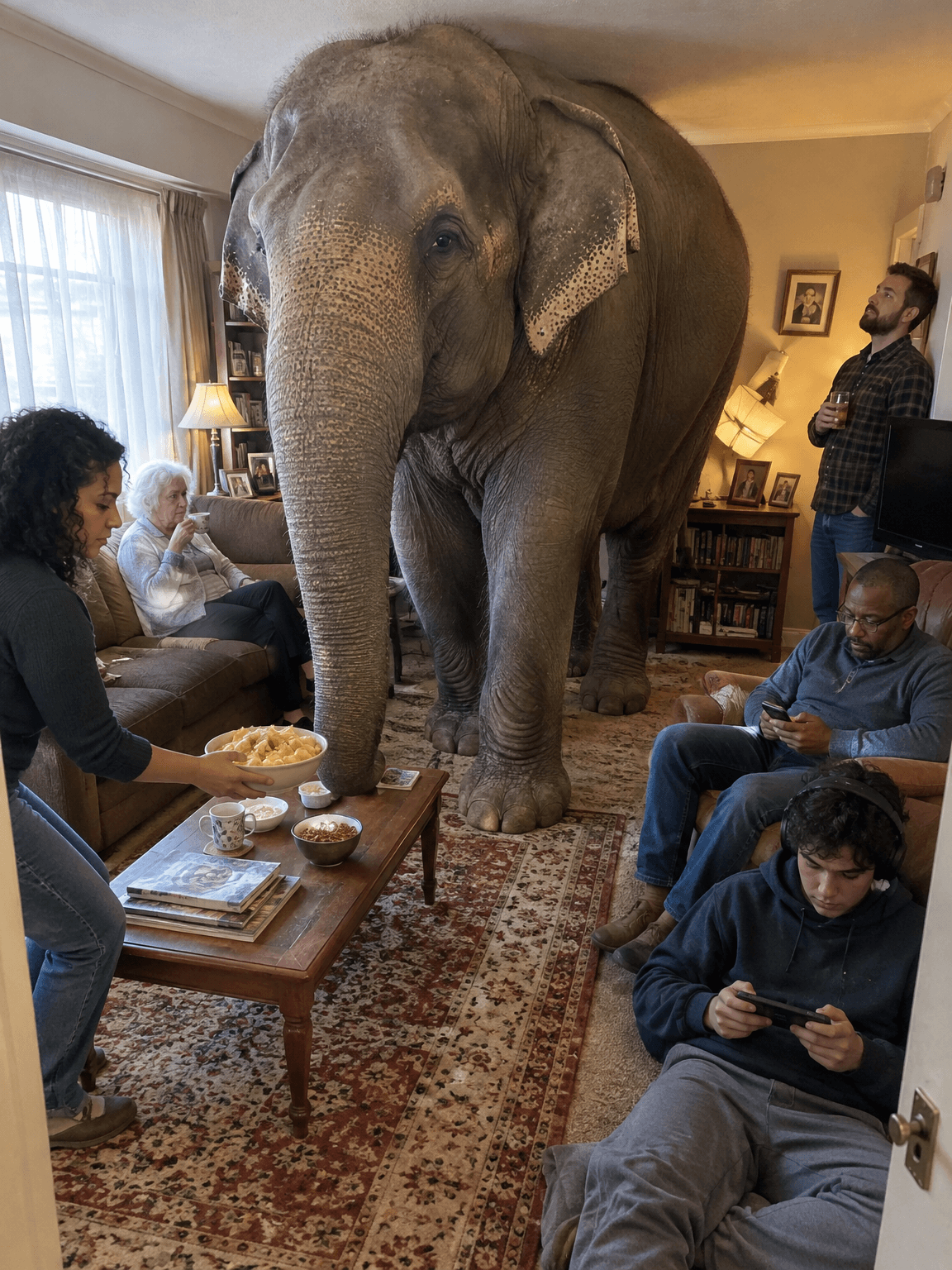
GPT Image 2.5 Flare - old sayings turned into deadpan photos
Turn everyday sayings into realistic photos where one impossible thing happens and nobody reacts
GPT Image 2.5 Flare · 1 min render