Disclaimer: This is an independent creative test made with AI, for demonstration only. It isn't an ad for any brand shown or named, and isn't affiliated with, sponsored or endorsed by them. All trademarks belong to their owners
Nano Banana Pro - split your references into subject and place
Build one clean plate for your subject and one for the location so the model composites them cleanly
 Tested by Nouamane Benbrahim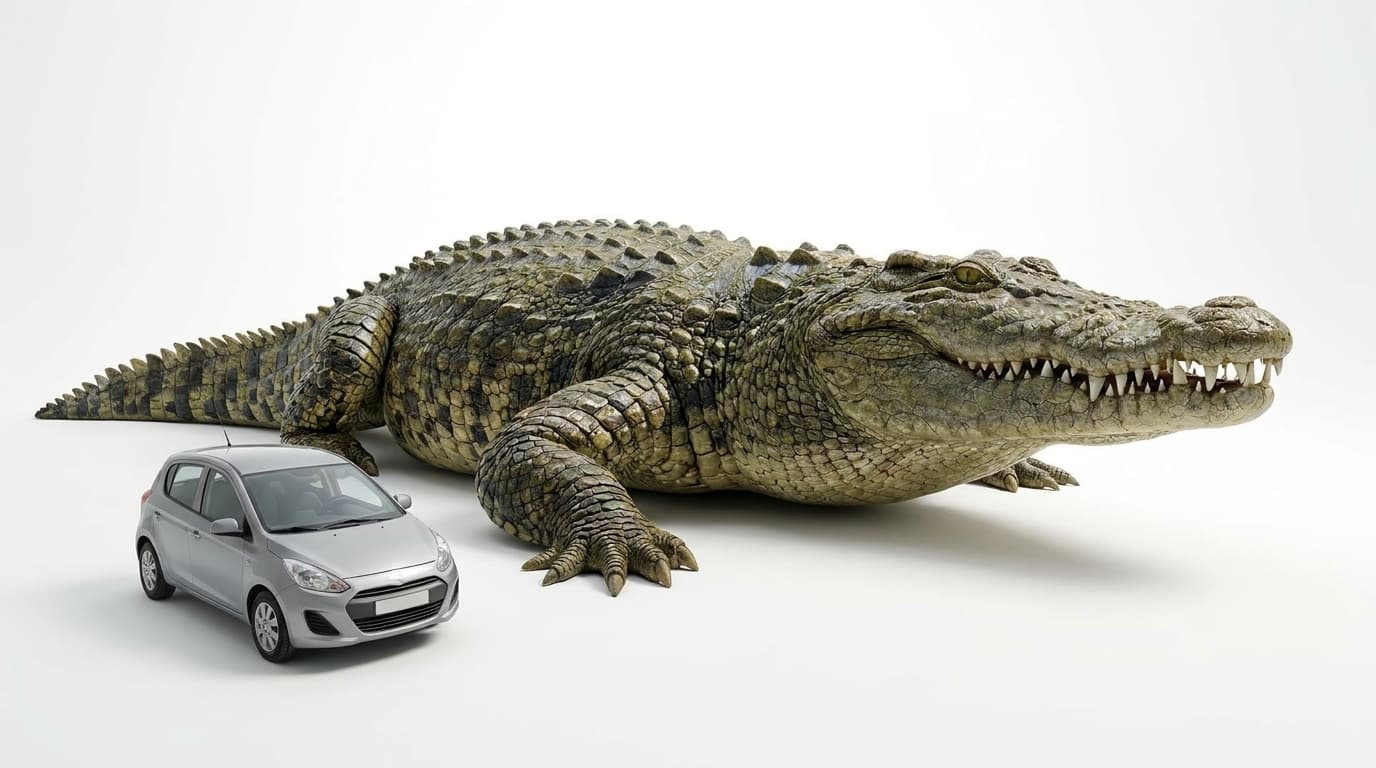
Ever notice your AI subject looks kind of pasted into the scene?
I kept getting that, the subject looking like it got dropped on top of the background. The fix that worked for me was building two clean plates instead of one busy prompt. One plate for the subject and one for the place.
Here's my exact process.
1. Build your subject on a plain white background
First I make the subject on nothing but white. No scene, no floor, just the thing itself.
Exact prompt
Create a new photorealistic image. Preserve the giant crocodile and the small silver hatchback car exactly — their forms, proportions, the dramatic size difference between them, the crocodile's wet olive-green armored hide, heavy keeled scales, massive jaws and teeth, facing right, and the car's shape — from the first reference. Apply one change: replace the tennis-court background entirely with a clean seamless pure-white studio background. THE VIBE: A clean studio product shot of an absurd pairing — a colossal crocodile and a tiny car side by side on pure white, the scale gap doing all the talking. Crisp, hyperreal, catalog-clean. THE SUBJECT: The giant crocodile from the first reference, low and heavy on four legs, facing right, long thick tail, wet olive-green keeled hide, massive jaws; beside it the small silver hatchback, utterly dwarfed — the crocodile's head is about as long as the entire car. Keep the exact proportions and relative scale from the reference. THE SETTING: A seamless pure-white studio cyclorama — no floor line, no horizon, no props, nothing but clean white all around. THE LIGHT: Soft, even, high-key studio light from above and front with gentle wraparound; only a soft contact shadow directly beneath the crocodile and under the car's tyres to ground them. No harsh sun, no coloured cast. THE KEY DETAILS: Both subjects fully in frame with clean margins. The car shows no badges and no plate lettering; the crocodile's skin texture stays crisp and detailed. THE MOOD: Deadpan, clean, monumental. THE COMPOSITION: Wide, 16:9. Both subjects centred with breathing room — the crocodile fills most of the width in profile facing right, the car beside it for a direct side-by-side scale comparison. THE CAMERA: Clean studio capture, deep focus, even exposure. Pure white background only — no tennis court, no clay, no fence, no sky, no text, no logos, no badges, no people, no faces. The crocodile remains a real living animal, never a statue, cartoon or flat logo.
White means the model can lift just the subject later without dragging a background along with it.
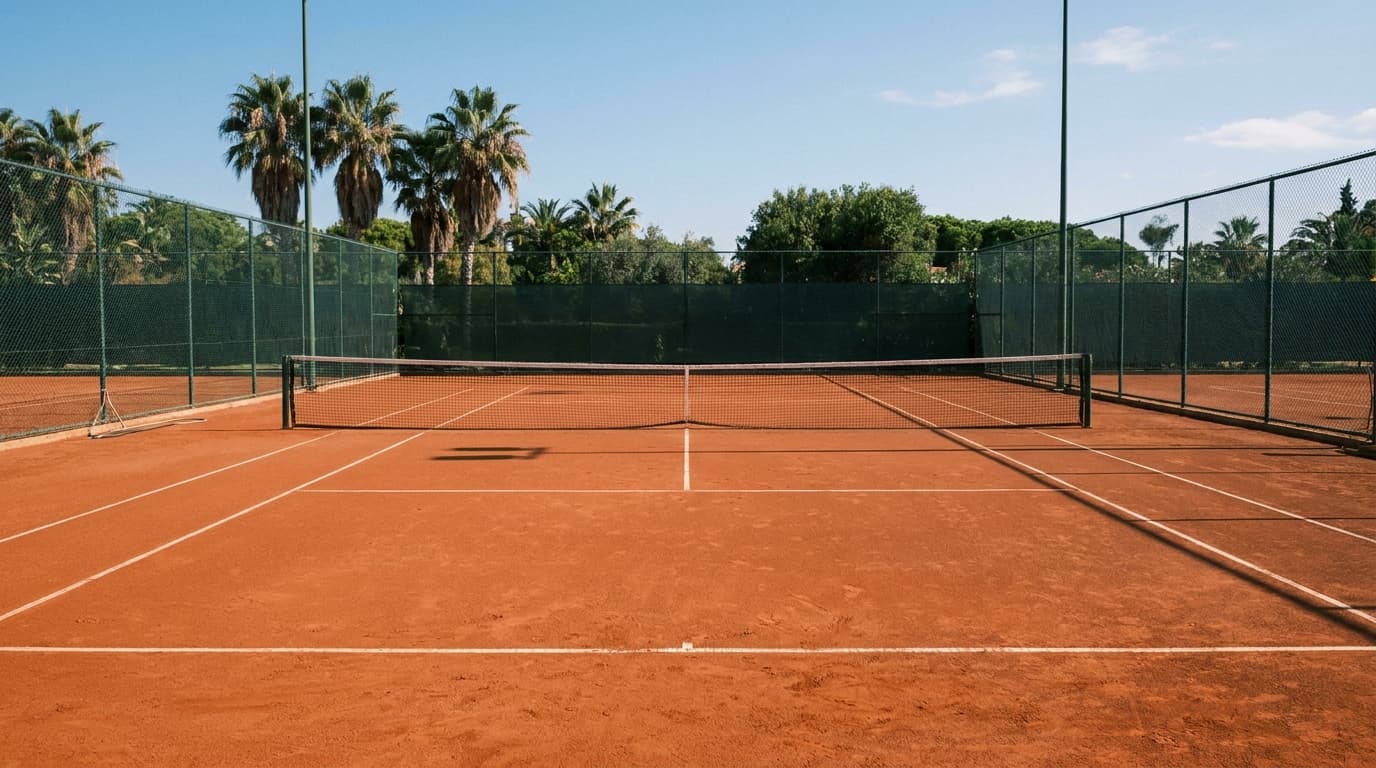
2. Build the place empty
Then I make the location on its own, with nobody in it.
Exact prompt
Create a new photorealistic image. This is a photograph taken on an empty outdoor red-clay tennis court from the start — not a composite. Rebuild the entire scene as if shot natively here, with unified natural daylight. THE VIBE: A still, sun-baked, completely empty red-clay tennis court at midday — calm, spacious, waiting. A faint warm vintage Kodachrome warmth sits lightly underneath. Clean and real, like a quiet establishing shot. THE SUBJECT: None — the court itself is the subject. The court is completely empty: no people, no animals, no equipment, no balls, no chairs. THE SETTING: An outdoor red clay tennis court with crisp white painted lines (baseline, side lines and service boxes) and a regulation net across the centre, enclosed by a dark green chain-link privacy fence; tall palms and green foliage beyond the fence; clear blue sky above. THE LIGHT: Hard high midday sun from above and slightly right, crisp thin shadows cast by the net and fence onto the clay, warm natural daylight with a faint Kodachrome warmth. THE KEY DETAILS: Freshly brushed red clay with faint sweep marks, white lines lightly dusted with clay, the net casting a thin crisp shadow across the surface. Nothing man-made in frame beyond the court, net and fence. THE MOOD: Quiet, sun-baked, spacious, gently retro. THE COMPOSITION: Wide establishing shot, 16:9, a low eye-level view from behind one baseline looking across the court — open red clay filling the foreground, the net in the mid-ground, the fence and palms along the back, generous blue sky above. Plenty of open, unobstructed space. THE CAMERA: Wide establishing capture, deep focus, natural daylight. No people, no animals, no text, no signage, no watermark.
Shoot it the way you'd shoot an empty set. Leave an open spot where the subject is gonna land.
3. Tell the prompt which plate is which
Now I feed both and label them. "Take only the animal from the first image, ignore the white." "Take the ground and the sky from the second image." Each plate has one job and I say it out loud in the prompt.
Why it works
When you cram the subject and the scene into one prompt, the model guesses how they fit together and the lighting rarely matches. Building them as two clean plates lets you control each one on its own, then hand both over and say how they combine. The subject ends up sitting in the scene properly.
Your turn: next time you want a subject somewhere specific, make the subject on white and the place empty, then combine them.
And if you'd rather not set all this up by hand, Emero writes the prompts and remembers your subjects so they stay consistent, at cost.

Get one of these every day
I test new workflows daily and send them with the exact prompts, the models and the costs
5,979 generations tested so far
More workflows
See all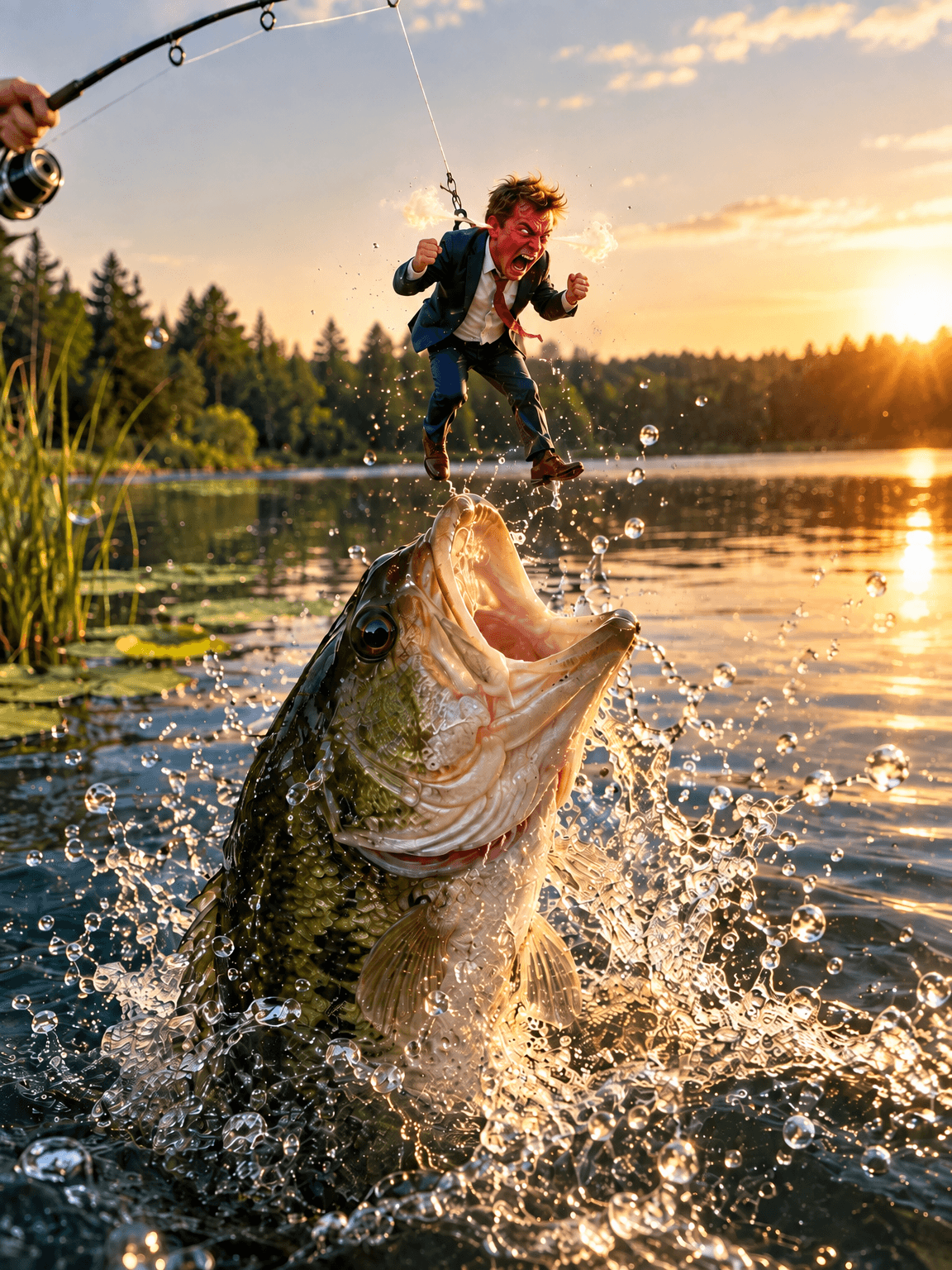
GPT Image 2.5 Flare - fix one thing in an image without losing the rest
Change one detail in an AI image, like size, mood or pose, while the rest of the picture stays put
GPT Image 2.5 Flare · 2 min render
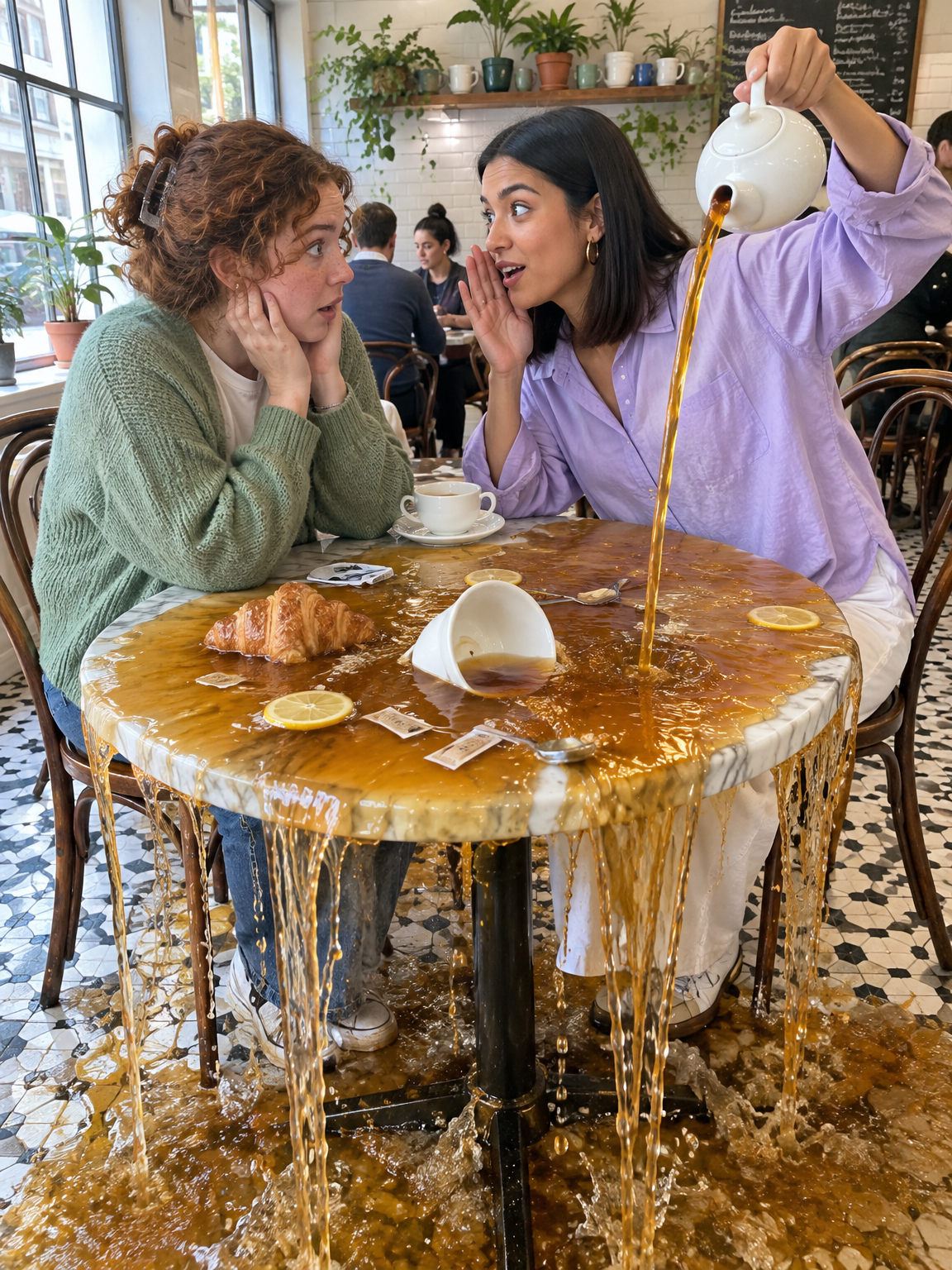
GPT Image 2.5 Flare - Gen Z slang taken literally
Turn slang like spill the tea, glazing and catfished into photos that show the words literally
GPT Image 2.5 Flare · 2 min render
GPT Image 2.5 Flare - old sayings turned into deadpan photos
Turn everyday sayings into realistic photos where one impossible thing happens and nobody reacts
GPT Image 2.5 Flare · 1 min render